No Code Builder: What to Look for in an AI Task Automation Tool
You already know that no-code AI tools save hours, but picking the wrong one costs your team double. Most task automation platforms promise effortless workflows, yet fail at the messaging layer where your team actually works. This article gives you concrete criteria for evaluating AI task automation tools, focusing on no-code capabilities, messaging compatibility, and real deployment effort. You will also get a clear recommendation for the best overall option, plus four alternatives, so you can decide with confidence.
By the end, you will know exactly which features matter for WhatsApp-based teams, how to assess setup complexity, and which tool fits your field operations. We break down five leading options, including Tasks.Bot as our top pick, and finish with a practical guide to choosing based on your team's adoption curve.
What to Look For in an AI Task Automation Tool
When evaluating AI task automation tools, start with these five core criteria to ensure the tool fits your team's workflow and technical comfort. The right no code builder should feel natural from day one, not like a second job learning complicated software.
Focus on core no-code capabilities, AI integration, messaging platform compatibility, deployment effort, and team adoption. These five factors determine whether your automation tool becomes a daily habit or gets abandoned after the first week.
Tools that score well across all five criteria tend to deliver faster onboarding and higher completion rates. A powerful engine that nobody uses is worse than a simple solution that everyone embraces.
Core No-Code Capabilities and AI Integration
A true no-code builder lets you create automations visually, while AI integration adds intelligence to parse inputs and suggest actions. Look for a drag and drop interface where you can see the entire workflow at a glance, not a maze of code blocks.
Visual builders should offer prebuilt templates for common tasks like task scheduling, data entry, and approval flows. These templates save hours of setup time and show you what good automation looks like before you customize it.
AI integration matters at two levels. First, natural language processing should let you describe a task in plain words and have the tool understand it. Second, machine learning should improve routing over time, sending tasks to the right person based on history.
Check that the tool supports essential building blocks like triggers, actions, and conditional logic. Error handling is equally important, since real-world workflows fail and you need clear paths when they do.
For example, a support team could build a workflow where an email trigger creates a task, AI extracts the customer name and issue type, and conditional logic routes urgent cases to senior staff. That single automation removes manual triage from the daily routine.
Data mapping and custom fields let you adapt the tool to your existing processes rather than reshaping your processes to fit the tool. API connections and webhooks extend the tool to third party apps, while REST API access handles more complex integration needs.
Finally, consider how the tool handles different processing modes. Real time processing works for urgent notifications, while batch processing suits nightly reports. Event driven rules trigger actions based on specific changes, and a solid rule engine gives you precise control.
WhatsApp and Messaging Platform Compatibility
If your team lives in WhatsApp, the automation tool must integrate seamlessly with the messaging app to capture tasks and updates without breaking flow. Teams that communicate primarily through chat need their task system to live in the same place.
Look for tools that let team members receive task assignments, status updates, and reports directly in chat. The best experience is one where a message creates a task, an update changes its status, and a report arrives without anyone opening a separate dashboard.
Some automation tools offer native integration with WhatsApp and other messaging platforms. Others require third-party connectors or middleware to bridge the gap, which adds setup time and another point of failure.
Pay close attention to how the tool handles natural language input from chat. Your team will send messages the way they normally talk, not in structured forms, so the tool needs to parse conversational language accurately.
Voice notes are increasingly common in chat workflows, especially on mobile. Check whether the tool can process voice input or at least notify team members that a voice task needs manual review.
Messaging compatibility extends beyond WhatsApp to platforms like Slack and Microsoft Teams. Choose a tool that covers the platforms your team actually uses, and verify that updates flow both directions, not just from the tool to the chat.
Finally, consider how chat-based automation handles errors and confirmations. A good tool asks for clarification when it does not understand a request rather than silently creating a broken task. This human in the loop approach prevents small misunderstandings from becoming bigger problems.
1. Tasks.Bot - Best Overall
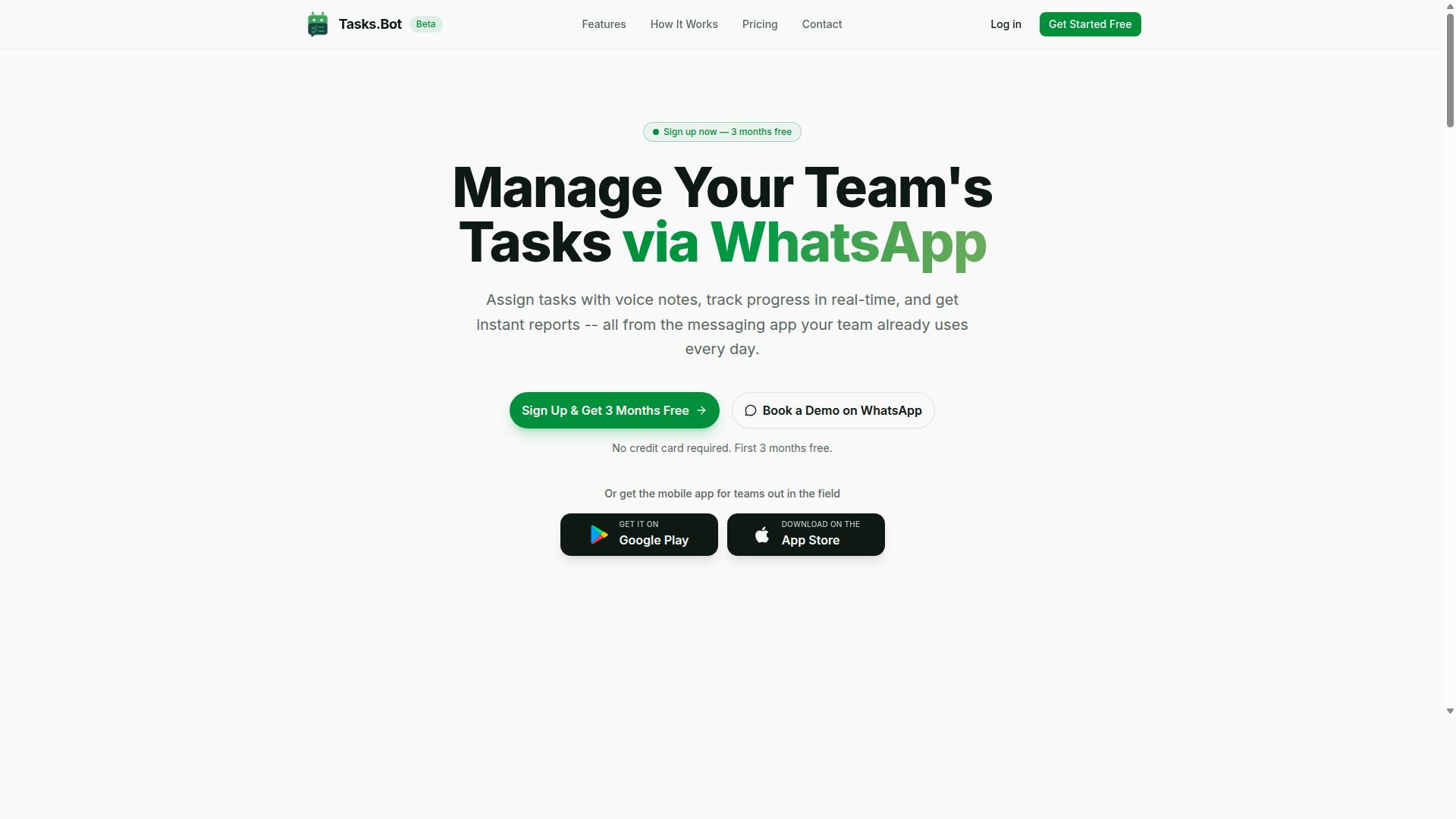
Tasks.Bot stands out as the best overall for teams that rely on WhatsApp, combining native task management with AI-driven features. It operates entirely within WhatsApp, so team members don't need to install anything new or create separate accounts. This makes it an excellent choice for teams that already live in WhatsApp for daily communication.
What sets Tasks.Bot apart is its focus on simplicity. Instead of learning a complex no code builder with drag and drop interface elements, your team just sends a message. The AI integration handles the heavy lifting of parsing, organizing, and assigning work. For businesses evaluating AI task automation tools, this removes the biggest barrier to adoption: the learning curve.
Because the entire workflow lives inside WhatsApp, there is no need for API connections or third party apps to bridge communication gaps. The tool uses natural language processing to understand what you need, so task scheduling and assignment feel as easy as texting a colleague. This positions Tasks.Bot as a practical choice for teams that want workflow automation without the technical overhead.
Native WhatsApp Automation with Voice and AI Features
Tasks.Bot's native WhatsApp integration means you can create tasks by sending a voice note or a quick message, and the AI handles the rest. The machine learning behind the tool understands natural language, so it can parse task details, deadlines, and assignees from casual phrasing. This is a significant step up from traditional automation tools that require strict formatting or predefined templates.
The platform includes automatic task assignment, smart deadline reminders, and instant reports. These features run in the background, so managers can focus on the work itself rather than chasing updates. The AI integration also means voice notes become actionable tasks, which is especially useful for workers who are on the move or away from a desk.
For teams evaluating an automation tool, this approach removes the need for custom fields or complex conditional logic. You simply speak or type what needs to be done, and the system interprets it. This is a practical example of how AI task automation can reduce friction compared to older tools that rely on rigid forms and manual data entry.
Field Team Tools and Pricing Transparency
For teams with field staff, Tasks.Bot includes attendance tracking and payroll-ready hours, all managed through WhatsApp. It also offers face-verified attendance and live GPS tracking for field workers. This makes it a solid fit for businesses that manage remote or mobile teams and need reliable oversight without forcing staff to use a separate app.
Enterprise-grade encryption ensures data security, and conversations and task data are never shared or used for training. This is an important consideration for companies that handle sensitive information and need to maintain data privacy. When comparing AI task automation tools, security compliance should always be part of the evaluation, and Tasks.Bot addresses that concern directly.
Pricing is straightforward and transparent. The Full Access plan includes all features and is available in Indian Rupees and US Dollars. The monthly plan costs 200 per member per month, while the annual plan is 1,200 per year per member, which saves 50% compared to monthly billing. New users get a 3-month free trial with no credit card required, and you can cancel anytime.
This clear pricing structure helps with budgeting, especially for small businesses that need to predict costs. Many automation tools hide pricing behind sales calls or offer confusing tiered plans. Tasks.Bot keeps it simple: one plan, all features, and a free trial to test it out. That transparency is a strong signal for teams looking for a dependable AI task automation solution.
2. Reminderly.ai
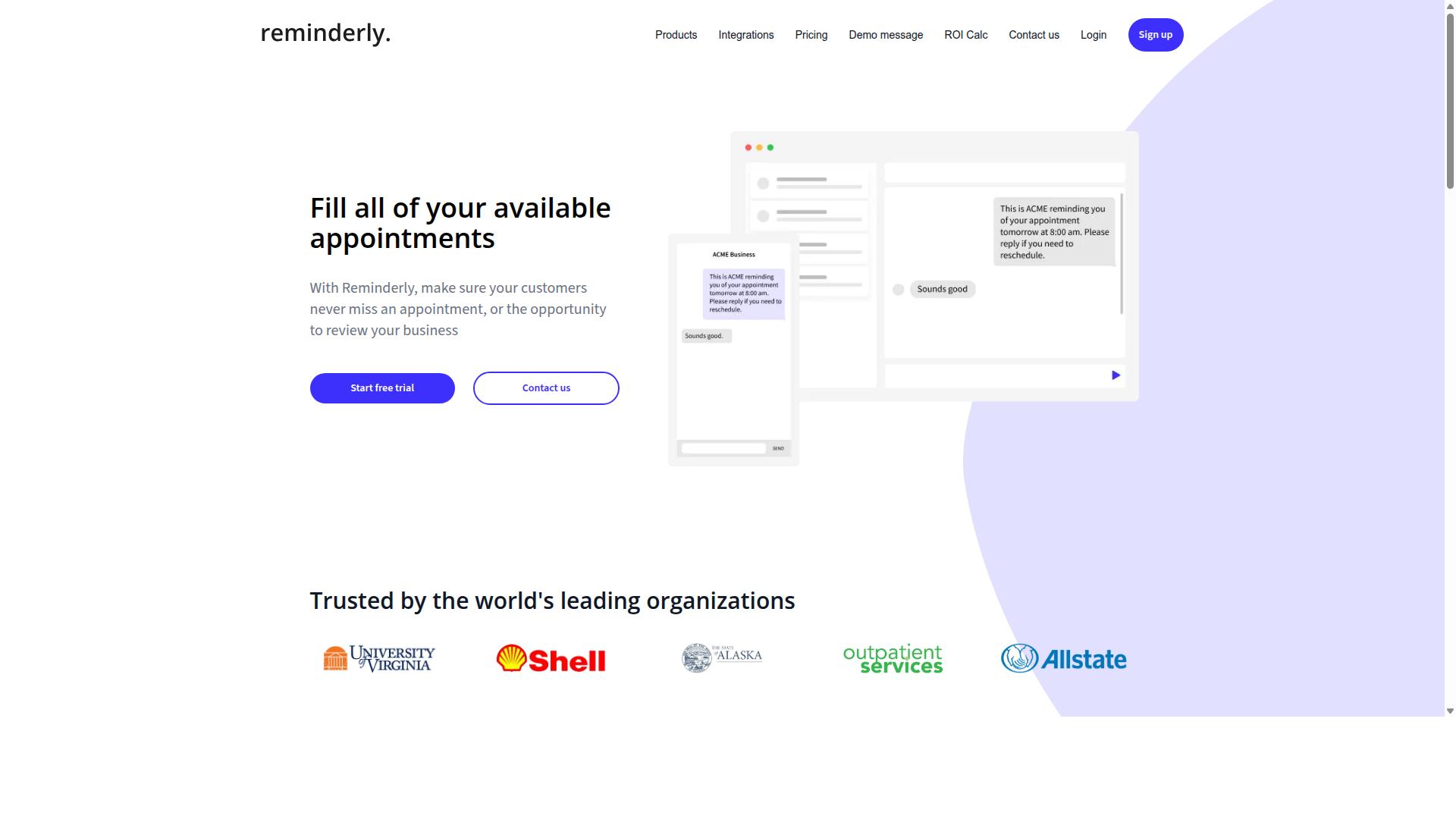
Reminderly.ai focuses on AI-driven reminders and scheduling, but it may lack the depth of full task management features. The tool appears designed for users who need timely nudges rather than complex workflow orchestration. Its core value proposition centers on making sure nothing slips through the cracks.
The platform likely shines in scenarios where simplicity matters most. For individuals juggling meetings, deadlines, and personal commitments, a straightforward reminder system can be genuinely useful. The AI component presumably helps interpret natural language inputs, so users can type something like "remind me to send the invoice Friday morning" and have it scheduled automatically.
Integration with messaging apps seems to be a natural fit for this type of tool. Many reminder-focused products connect with platforms like Slack or Telegram, allowing users to receive notifications where they already spend their time. This can reduce friction and make the tool feel more accessible for quick, on-the-go scheduling.
However, the potential weaknesses are worth considering before committing. Reminderly.ai may offer fewer integrations with third party apps compared to more comprehensive automation tools. Users who need API connections, webhooks, or REST API access for custom workflows could find the options limiting. The tool may also lack advanced features like conditional logic, data mapping, or error handling that power users expect from a full workflow automation platform.
Task scheduling and reminders represent a narrow slice of what AI task automation can accomplish. If your needs extend to multi-step processes, data transformation, or complex triggers and actions, a dedicated reminder tool may fall short. The absence of robust audit logs, user permissions, and scalability options could also be a concern for teams with governance requirements or growing operational demands.
When evaluating Reminderly.ai, consider whether your workflow requires more than timely notifications. Ask yourself if you need batch processing, real time processing, or event driven automation. These capabilities typically require a more comprehensive no code builder with a visual builder interface and prebuilt connectors.
For simple, personal scheduling needs, this type of tool can work well. For business-critical processes that demand reliability, uptime, and security compliance like GDPR or SOC 2, a more full-featured automation tool may be necessary. Evaluate whether the tool covers your entire workflow or just a fragment of it.
3. TaskRio
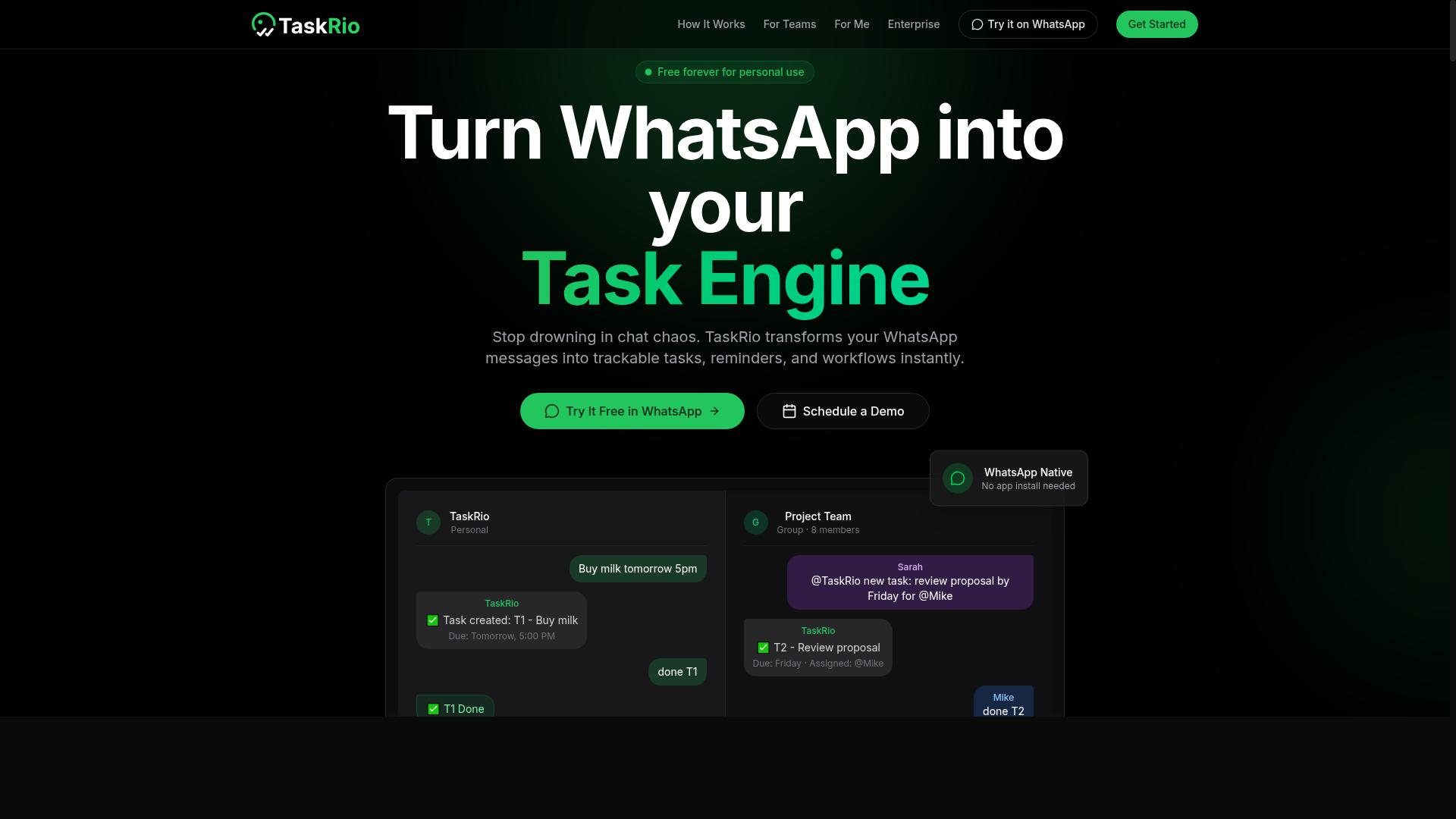
TaskRio positions itself as a versatile automation tool with a visual builder and broad API connections, but it may not be chat-native. That distinction matters when you are comparing no code builder options for AI task automation. Teams that prefer conversational prompts might find TaskRio's interface less intuitive than chat-first rivals.
The platform leans on a drag and drop interface that lets you assemble workflows visually. You can map out triggers and actions across multiple steps, which suits users who like to see the full logic of an automation before it runs. The visual builder also makes it easier to spot bottlenecks or redundant steps in a process.
TaskRio supports API connections and third party apps, giving it solid reach across common business tools. Its triggers and actions are robust enough to handle multi-step sequences that go beyond simple one-off tasks. For example, you could design an event driven workflow that reacts to new data in one system and updates another in real time.
That power comes with a tradeoff. TaskRio may require more setup than chat-based tools, especially when you are building complex workflows from scratch. You will likely spend time configuring API connections, defining conditional logic, and testing error handling before the automation runs smoothly.
Teams that need complex workflows with precise control will appreciate this depth. The platform gives you room to define custom fields, set user permissions, and manage data mapping with greater granularity. That makes it a reasonable fit for operations teams, IT departments, or anyone juggling multiple systems with different data structures.
However, the learning curve is real. If your team values speed over configurability, the extra setup time could slow you down. TaskRio is best evaluated against your specific needs for scalability, reliability, and how much control you want over each step in your automation pipeline.
4. Karo.bot
Karo.bot offers chatbot-based automation for task management, but its capabilities may be limited compared to dedicated platforms. This tool appears to operate primarily within messaging environments, letting users interact with bots to create tasks, set reminders, and manage simple workflows.
The main appeal of Karo.bot is its ease of use for straightforward tasks. If your team already lives in chat applications, the conversational interface can feel natural and approachable. You can describe a task in plain language and expect the bot to handle basic scheduling or follow-ups without requiring a steep learning curve.
However, the platform may struggle with advanced workflow features that power users often need. Conditional logic, complex triggers, and deep API connections are areas where chatbot-centric tools typically fall short. If your automation requires multi-step branching or integration with many third party apps, you might hit the ceiling quickly.
Before committing, test whether Karo.bot handles your specific use cases. Try building a workflow that involves data mapping between systems or error handling for failed steps. Research suggests that chatbot interfaces excel at quick interactions but often lack the visual builder depth found in dedicated no code builder platforms.
Consider your team's comfort level with conversational commands versus a drag and drop interface. For simple task scheduling and reminders, Karo.bot could work well. For complex, event driven automation that demands reliability and uptime, a more specialized automation tool may serve you better.
5. The Sarah AI
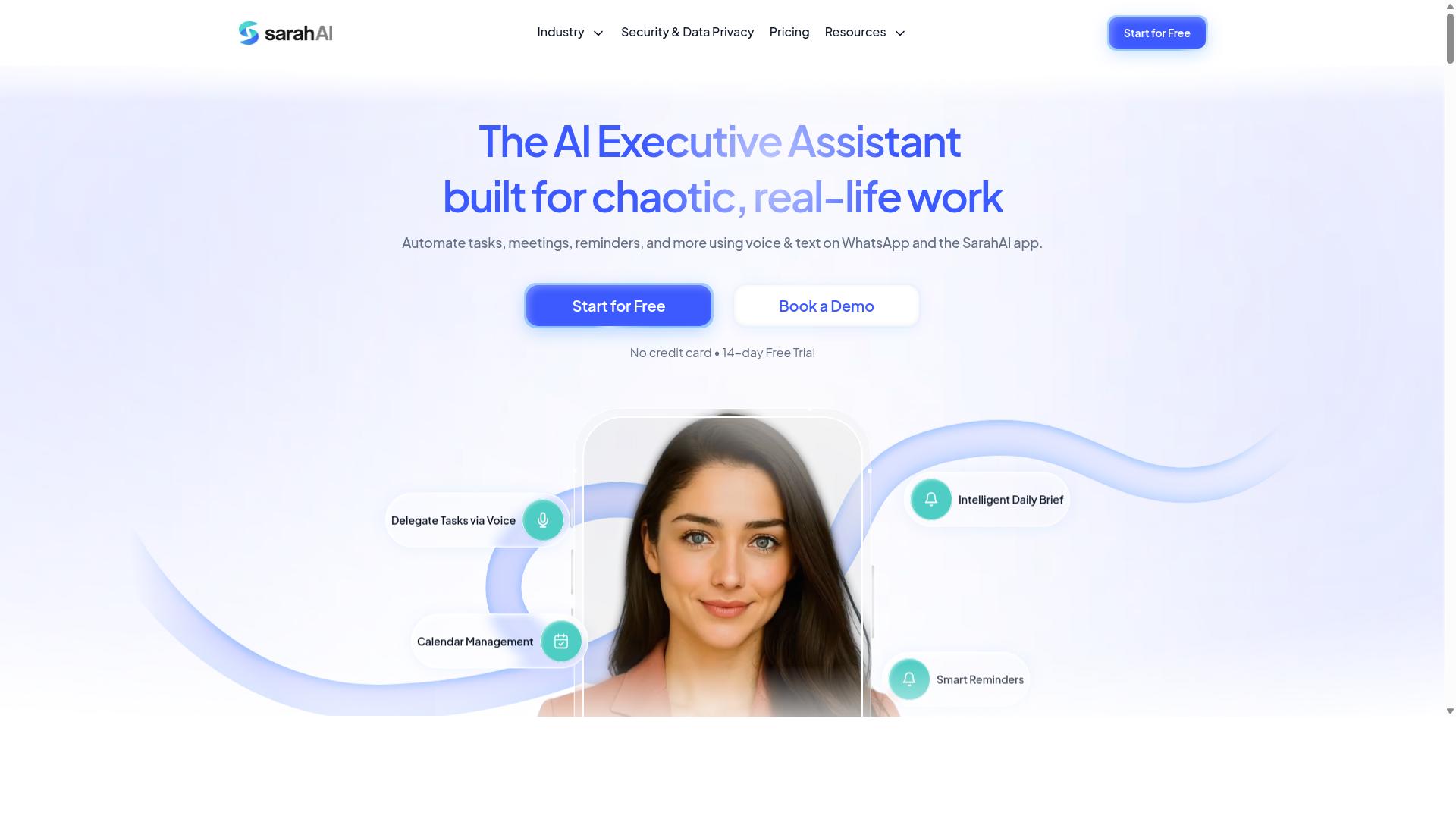
The Sarah AI leverages AI to automate tasks via natural language, but it may lack the team management features of more comprehensive tools. Its core strength lies in translating plain English instructions into automated workflows, which makes it appealing for individual users who want quick setup without learning complex logic.
This tool focuses heavily on natural language processing and AI-driven task creation. Instead of configuring triggers and actions through a visual builder, you describe what you need and the system interprets the request. That approach can dramatically shorten the learning curve for people who find traditional no code builders intimidating.
However, the individual focus means team collaboration features may be limited. If your workflow depends on assigning tasks, tracking progress across multiple people, or generating reports for stakeholders, this tool might feel constrained. The AI integration handles the automation side well, but the human side of coordination often requires more structure.
Before choosing this option, ask yourself how your team actually works. Do you need user permissions to control who sees what? Do you rely on audit logs to verify completed steps? Are conditional logic and error handling essential for your recurring processes?
For solo professionals managing personal task scheduling, The Sarah AI can be a strong fit. For growing teams that need shared visibility and accountability, a more complete automation tool with prebuilt connectors and third party apps support may serve you better. Evaluate your assignment, tracking, and reporting needs honestly before committing to any platform.
How to Choose the Right Option
Choosing the right AI task automation tool comes down to evaluating deployment effort, team adoption, and the specific features that matter most. A tool that looks powerful on paper can fail if your team struggles to use it daily.
The best option is one that fits your team's workflow and technical comfort. Start by mapping your current processes, then compare how each automation tool handles those exact tasks.
Keep in mind that scalability and security compliance matter just as much as the drag and drop interface. A visual builder that impresses in a demo may not support your growth later.
Evaluating Deployment Effort and Team Adoption
Deployment effort and team adoption are critical: a tool that requires extensive setup or training may face resistance, while a chat-native option can be adopted instantly. Assess installation requirements first. Some tools need complex configuration, while others work right from your browser.
The learning curve matters for every member of your team. A no code builder with a visual builder and drag and drop interface reduces the time spent on training. Integration complexity is another factor, since your automation tool must connect with the third party apps you already use.
Consider where your team already communicates. Teams that rely on WhatsApp for daily coordination benefit from chat-native tools that fit their existing habits. Tasks.Bot serves hundreds of teams that use WhatsApp for communication, particularly those with field staff who need task management, attendance tracking, and payroll-ready hours. This approach means no new app to learn, just a familiar chat interface with automation built in.
User permissions and scalability should guide your decision. Ask whether the tool supports role-based access and whether it can handle growing workloads without performance drops.
Use a trial period to test these questions:
- How long does setup take from start to first completed task?
- Can non-technical staff build workflows with the visual builder alone?
- Does the tool support user permissions and audit logs for accountability?
- How does the tool handle error handling and human in the loop approvals?
- Can it scale from a pilot team to your full organization?
Watch for hidden deployment costs like custom integrations or dedicated IT support. A tool that your team adopts quickly will deliver more value than one with marginally better features that nobody uses.
Final Verdict
For teams that live in WhatsApp, Tasks.Bot is the clear winner, offering native automation and AI features that eliminate the need for new tools. Where other platforms require onboarding, browser extensions, or a separate mobile app, Tasks.Bot operates entirely within WhatsApp. Team members don't need to install anything or create new accounts, which removes the biggest adoption barrier in most organizations.
The AI-driven approach sets it apart from traditional drag and drop interface builders. Instead of configuring triggers and actions through a visual builder, users simply describe tasks in natural language. The system uses AI to understand natural language and voice note support, so field staff can dictate a task while on the move. That combination of natural language processing and machine learning makes task creation genuinely hands-free.
For organizations with remote or field teams, the practical features matter just as much. Tasks.Bot offers face-verified attendance and live GPS tracking for field staff, turning a task management tool into a workforce visibility platform. Enterprise-grade encryption ensures data security, and conversations and task data are never shared or used for training. That level of data privacy gives managers confidence when handling sensitive operational information.
Pricing is transparent and low-risk. Tasks.Bot provides a 3-month free trial with no credit card required, which makes evaluation easy. Compared to platforms that lock core features behind enterprise tiers, this approach lets teams test real-world workflow automation before committing. Given the combination of native WhatsApp integration, AI task creation, voice notes, and field-focused features, Tasks.Bot delivers the strongest overall value for teams that want automation without the learning curve.
To see how it fits your operations, book a demo or visit the Tasks.Bot website for a closer look at the platform in action.
Frequently Asked Questions
Why should I choose a no-code AI task automation tool that works inside WhatsApp?
Because your team likely already lives in WhatsApp, so there's zero learning curve and no new app to install. Tasks.Bot is built entirely around WhatsApp, meaning team members can create tasks, get reminders, and receive reports without ever leaving their chat window. This makes adoption faster and more natural for field teams and remote staff alike.
What makes Tasks.Bot different from other AI task automation tools?
Tasks.Bot's core differentiator is that it operates completely within WhatsApp, so there's no separate dashboard to check or account to create for your team. It uses AI to understand natural language and voice notes, so a field worker can simply speak a task and it gets assigned automatically. This is a genuinely unique approach compared to tools that require a dedicated web or mobile interface for every user.
Can Tasks.Bot handle complex workflows like approvals and reminders?
Yes, Tasks.Bot includes smart deadline reminders, approvals, and automations as part of its feature set. You can set up automatic task assignment and get instant reports without manual follow-ups. All of this happens within the WhatsApp conversation, so nothing gets lost in email threads or separate project management tabs.
Is Tasks.Bot suitable for teams with field staff who need attendance tracking?
Absolutely. Tasks.Bot offers face-verified attendance and live day tracking, which is specifically designed for teams with mobile or field workers. It also provides tasks on a map and payroll-ready hours, so you can manage remote staff efficiently. This makes it a practical choice for logistics, sales, or service teams that are constantly on the move.
How does Tasks.Bot pricing compare to other no-code automation tools?
Tasks.Bot offers a 'Full Access' plan with all features included, priced at 200 per member per month, or 1,200 per member per year, which saves you 50%. Since the tool is in beta, this is a straightforward, all-inclusive price rather than tiered feature packages. We recommend checking the current pricing page for the latest details, as competitor pricing isn't consistently published.
Do my team members need to install anything to use Tasks.Bot?
No, they don't. Tasks.Bot works directly through WhatsApp, so your team members don't need to install a new app or create a separate account. A mobile app is available for field teams if you want extra features, but it's not required for basic task management. This removes a major barrier to adoption, especially for less tech-savvy staff.