Content Generation Workflow: What to Look for in an AI Task Automation Tool
You're juggling content deadlines while your team pings you with task updates in WhatsApp, and the gap between idea and published draft keeps widening. Choosing the right AI automation tool determines whether that gap shrinks or swallows your calendar. By the end of this article, you'll know which features matter for content workflows, see five specific tools compared, and walk away with a clear number one pick plus a practical filter for your team's size and budget.
We've broken down what to look for in natural language processing, voice input, and channel integration, then ranked Tasks.Bot, Reminderly.ai, TaskRio, Karo.bot, and The Sarah AI against those criteria. You'll also get a decision framework that weighs field staff needs against your monthly spend, so you can commit to a tool with confidence rather than another trial-and-error cycle.
What to Look For in an AI Task Automation Tool for Content Generation
When evaluating AI task automation tools for content generation, prioritize capabilities that align with your team's communication habits, technical flexibility, and need for streamlined workflows. The right tool should feel like a natural extension of your existing content creation pipeline, not another platform to learn and manage.
Start by assessing how the tool handles natural language inputs. A quality AI writing assistant should understand plain instructions without requiring complex prompt engineering or technical syntax. This reduces the learning curve and lets your team focus on strategy rather than tool mechanics.
Integration matters more than most teams initially realize. Your AI task automation tool should connect with the software you already use daily, including project management platforms, document editors, and content management systems. Seamless API integration prevents data silos and keeps your workflow automation running smoothly from ideation to publication.
Consider the balance between automation and human oversight. The best tools support a human-in-the-loop approach, where the AI handles repetitive drafting and research tasks while your editors maintain control over tone, accuracy, and final approval. This hybrid model protects output quality while still reducing manual work.
Look for tools that scale with your content calendar. As your team grows and publishing frequency increases, the platform should handle higher volumes without sacrificing speed or consistency. Task orchestration capabilities, such as routing drafts through review and approval workflows, become essential as complexity rises.
Finally, evaluate the user experience for both technical and non-technical team members. A no-code platform with a drag-and-drop builder give the power tos content managers to design their own automations, while developers can still access advanced features when needed. The ideal tool adapts to your team's skill levels, not the other way around.
1. Tasks.Bot - Best Overall
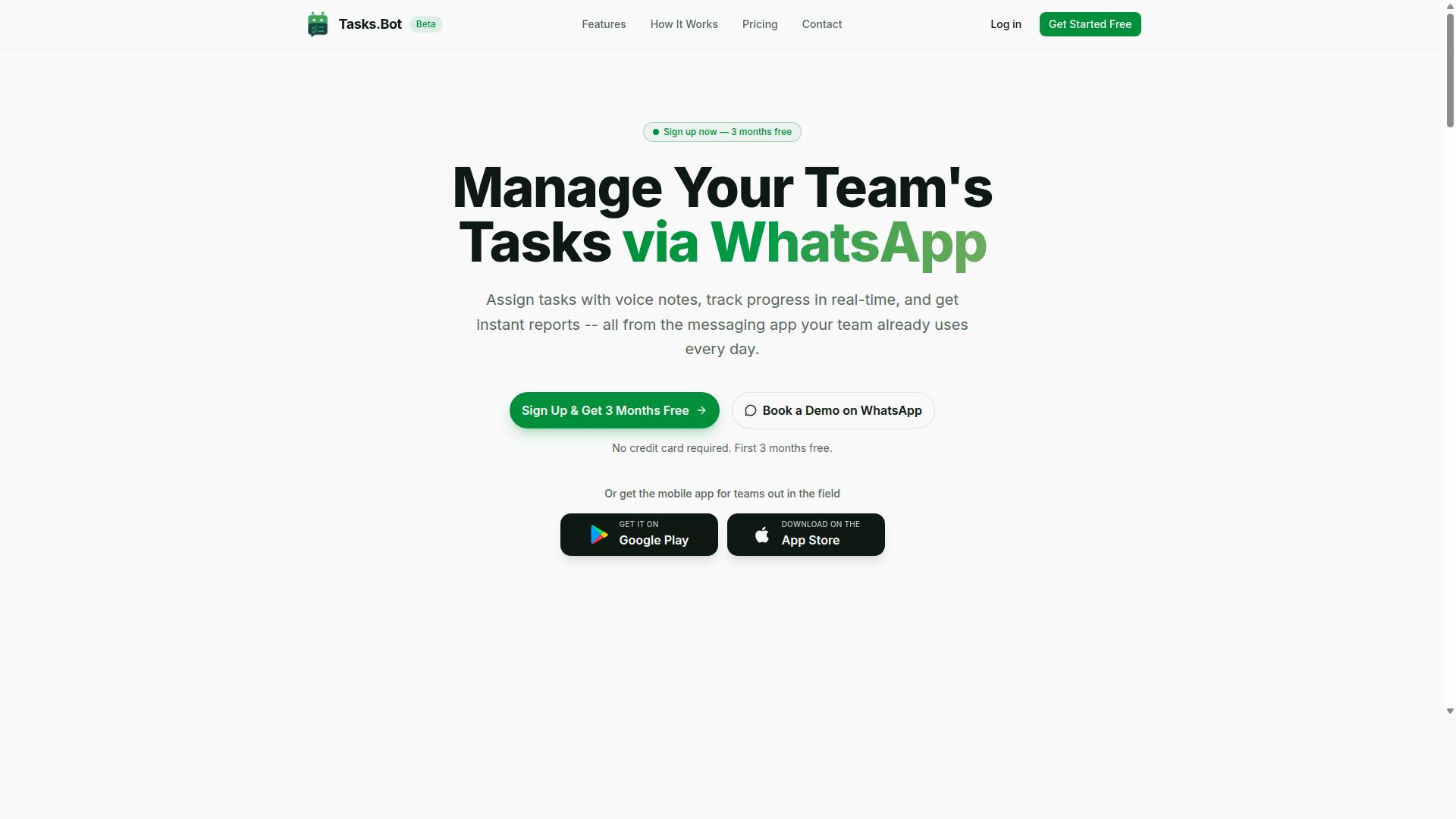
Tasks.Bot stands out as the best overall choice for teams that rely on WhatsApp, offering a seamless blend of AI-powered task creation, automated workflows, and comprehensive reporting. It operates natively inside WhatsApp, which means your team can manage work without learning a new platform or switching between apps.
This AI task automation tool uses natural language processing to understand user intent and create tasks directly from messages. You can even send voice notes to capture tasks hands-free, making the content creation pipeline easier to manage while you are on the move.
Tasks.Bot covers the full task orchestration cycle with practical features that support a content generation workflow:
- Automatic task assignment and smart deadline reminders
- Approvals and automations for structured review processes
- Instant reports to track progress across your content calendar
- Tasks on a map and a live day tracker for field teams
- Face-verified attendance plus shifts, leave, and hours management
The service also provides Android and iOS apps with push notifications, voice capture, and a home screen widget. This makes it a strong choice for teams that want workflow automation without a steep learning curve, since most people already know how to use WhatsApp.
For content teams specifically, the combination of AI-assisted task creation and automatic assignment reduces the friction between ideation and execution. When a manager sends a message about a new article or campaign, the tool can interpret that input and turn it into an actionable task with the right owner attached.
Reporting is another area where Tasks.Bot excels. Instant reports give managers a clear view of what has been completed, what is pending, and where bottlenecks are forming. That visibility supports better decisions around your content distribution schedule and helps maintain brand voice consistency across multiple projects.
Because everything happens within WhatsApp, adoption is fast and training costs stay low. Teams can begin managing their content creation pipeline almost immediately, without the need for a complex no-code platform setup or lengthy onboarding sessions.
2. Reminderly.ai
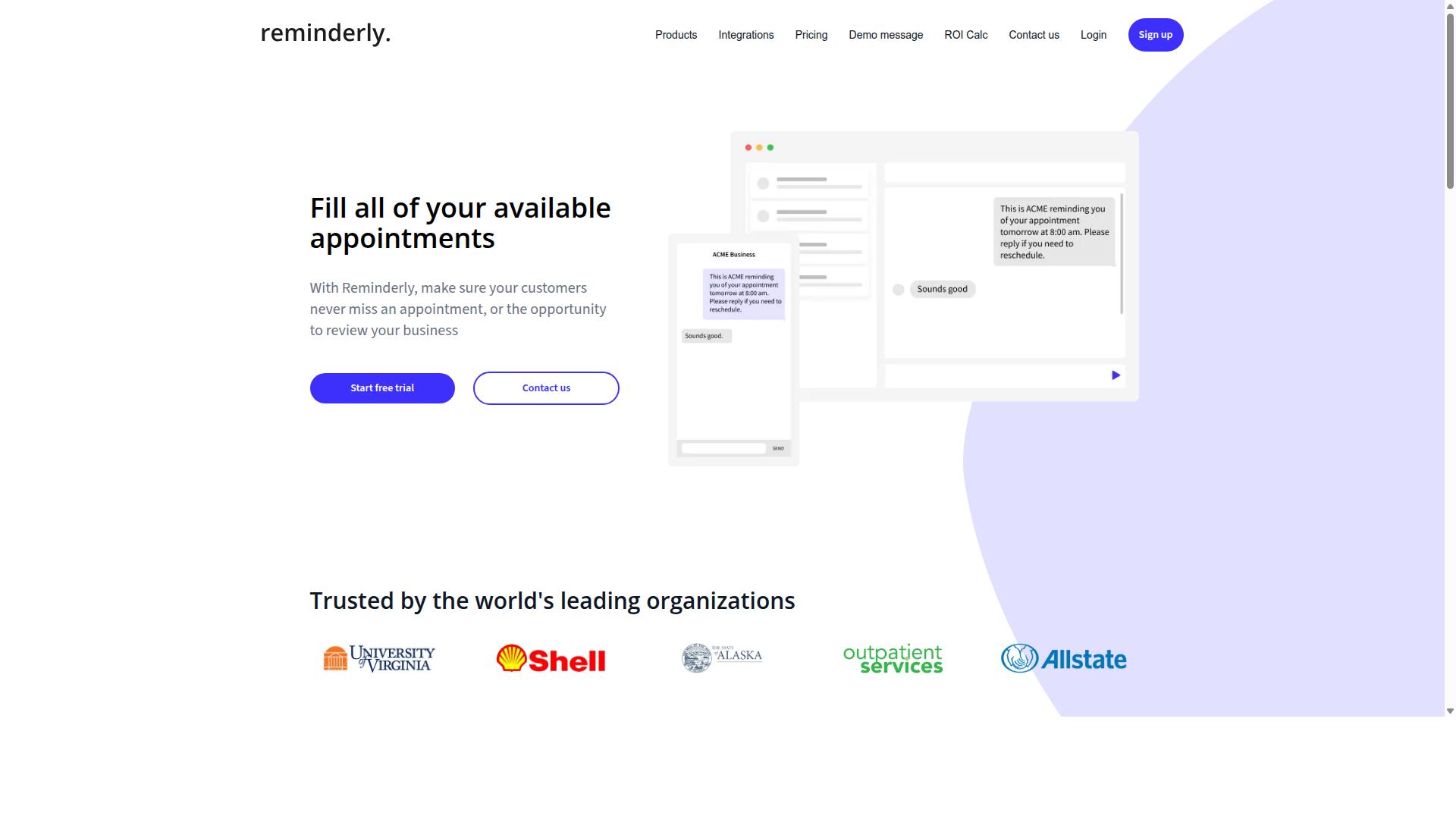
Reminderly.ai focuses on AI-powered reminders and scheduling, but its content generation capabilities are less comprehensive than Tasks.Bot's. The platform is built around keeping teams on track with notifications, deadlines, and calendar management rather than producing long-form content.
For teams that live in a content calendar, this can still be useful. Reminderly.ai can help ensure that drafts are submitted on time and that publishing dates are not missed. Task orchestration at the scheduling level is where this tool tends to shine.
However, when you need a full content creation pipeline, the picture changes. Features like draft generation, template management, and brand voice consistency are typically not the core focus of a reminder-first platform. The depth of workflow automation required to move a piece from ideation to publication is often missing.
This makes Reminderly.ai a reasonable fit for simple operational needs. If your team only needs nudges for existing tasks, it may serve you well. But if you expect an AI writing assistant that also handles the editing workflow and approval workflow, you will likely need to pair it with other tools.
Teams that already have a strong content production system in place might find Reminderly.ai useful as a supplementary layer. It can act as a safety net for deadlines while your primary AI task automation tool handles the heavy lifting of content generation and distribution.
3. TaskRio
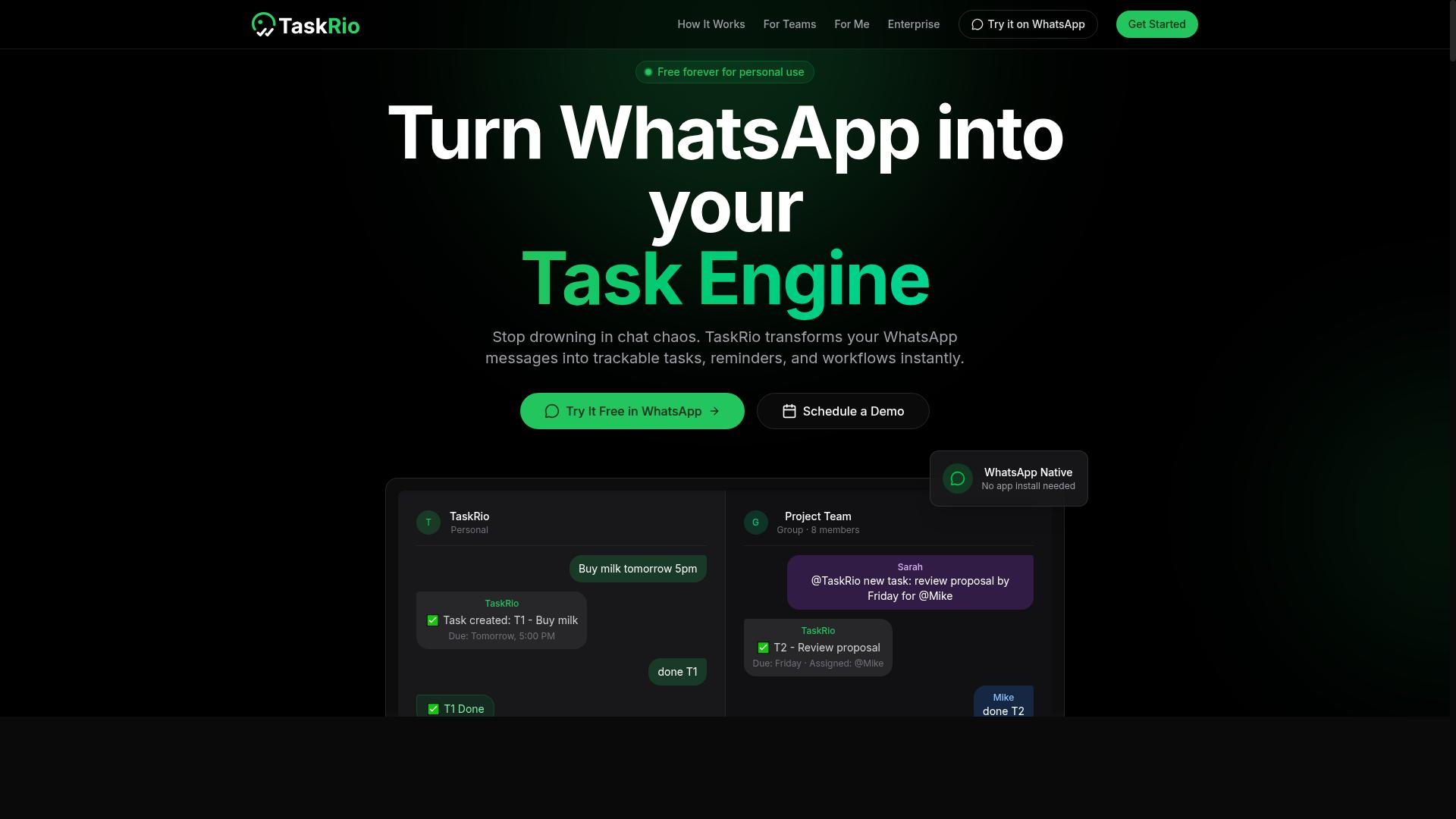
TaskRio offers a visual workflow builder that appeals to teams wanting more control over their content creation pipelines, though it may require more setup time. Instead of relying on quick chat commands, teams map out their processes on a visual canvas. This approach suits organizations that think carefully about every stage of their content generation workflow.
The drag-and-drop builder lets users arrange steps in a logical sequence, which can be helpful for complex content production. Teams can design a content creation pipeline that matches their exact needs, from content ideation through to publishing automation. The visual nature of the builder makes it easier to spot bottlenecks before they become problems.
However, this flexibility comes with a trade-off. Getting started with TaskRio may feel more involved compared to instant messaging-based tools that work right away. The learning curve is real, and teams should budget time for initial configuration and template management. For smaller teams or those with simple needs, this extra effort might not be worth the payoff.
Where TaskRio shines is in scenarios that demand consistency and repeatability. If your team handles multiple content types across different channels, the ability to save and reuse workflows can streamline your task orchestration. The setup investment often pays off when you run the same process week after week.
That said, the tool may feel like overkill for teams that just need quick draft generation or basic AI writing assistant support. The balance between control and complexity is the key consideration here. Teams that value a no-code platform with room to customize will find the approach appealing, while others may prefer a more direct path from prompt to published content.
4. Karo.bot
Karo.bot integrates with multiple platforms and provides a unified task management experience, but its content generation features are still evolving. This tool positions itself as a bridge between the various apps your team already uses daily. Instead of forcing you into a single ecosystem, it focuses on task orchestration across your existing stack.
For teams with complex content creation pipelines, this integration-first approach has real appeal. You can manage assignments, deadlines, and handoffs from one central view while your other tools keep running in the background. The appeal is clear: fewer context switches and less time spent hunting for status updates across different apps.
However, when it comes to the actual writing work, Karo.bot appears less developed. Its draft generation and AI writing assistant capabilities do not seem to match the maturity of its workflow automation features. Teams that need deep content ideation, SEO optimization, or brand voice consistency may find these functions limited compared to dedicated content tools.
Where Karo.bot shines is in environments where coordination matters more than raw generation. If your team already produces content through other means and simply needs better task orchestration and approval workflows, this tool can be a solid fit. It works best for teams willing to experiment with AI features while keeping their existing content creation process mostly intact.
Consider Karo.bot if your primary pain point is managing tasks across multiple apps rather than generating copy. The integration capabilities provide genuine value for content calendars and publishing automation. Just be prepared to keep your current writing tools in the mix while the AI features mature over time.
5. The Sarah AI
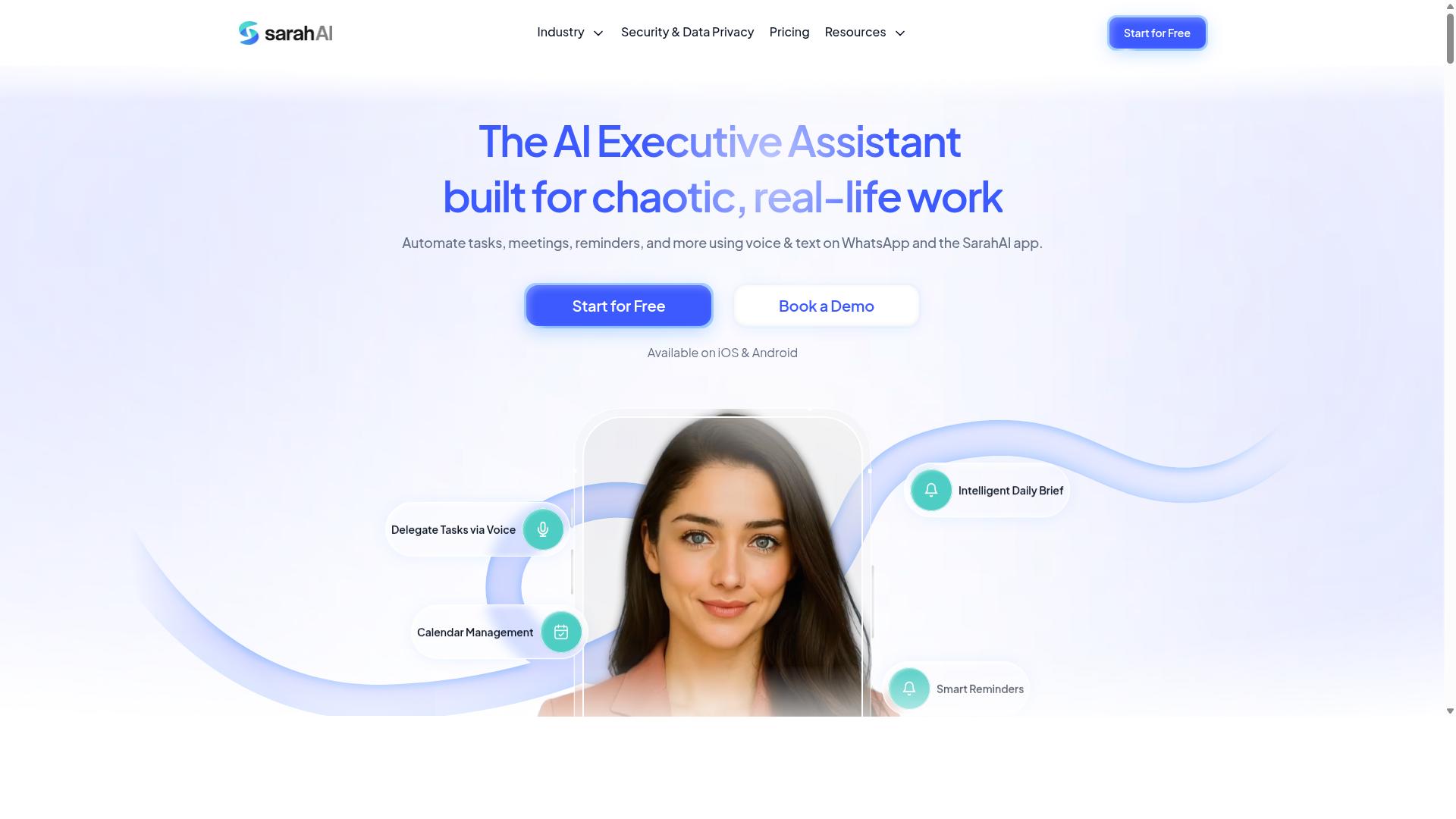
The Sarah AI positions itself as an AI writing assistant focused on content ideation and drafting, but it lacks the task management and automation features of full-fledged tools. This makes it a useful companion for the creative side of a content creation pipeline, rather than a central hub for operations.
For writers who need help overcoming blank-page syndrome, an AI writing assistant like this can be valuable. It typically supports brainstorming angles, generating outlines, and producing initial draft generation that a human can refine. This fits naturally into the front end of a content generation workflow, where content ideation and draft generation are the primary bottlenecks.
However, the gap appears when you look beyond writing. A dedicated AI task automation tool usually handles the surrounding workflow, including task orchestration, content calendar management, and publishing automation. The Sarah AI may not offer these connective functions, which means users often handle the distribution and approval steps manually.
This tool is best suited for individual writers or small teams that want creative assistance without the overhead of a complex system. If your priority is purely generating ideas and drafts, it can fit the bill. If you need an end-to-end solution that connects drafting to editing workflow and publishing, you will likely need to pair it with other software.
When evaluating any AI writing assistant, consider how it fits your existing review process and approval workflow. A tool that produces strong output quality but lacks API integration or task orchestration can create manual handoffs. For small operations, that tradeoff is often acceptable. For larger teams, the missing workflow automation becomes a real constraint.
How to Choose the Right Option
Choosing the right AI task automation tool depends on your team's size, the nature of your work (especially if you have field staff), and your budget constraints. A content generation workflow is not one-size-fits-all. The tool that works for a five-person marketing team may feel completely wrong for a field service operation with dozens of mobile workers.
Start by mapping your current content creation pipeline from idea to published piece. Identify where the bottlenecks appear. If your team loses time switching between WhatsApp, spreadsheets, and document editors, you need a tool that consolidates those steps into one place.
Teams that rely on WhatsApp for daily communication face a unique challenge. They need a solution that fits into an existing workflow automation pattern instead of forcing everyone to learn a new platform. The best tool reduces friction rather than adding another log-in to remember.
Consider your staff's mobility. Field teams cannot sit at a desk to approve a draft or check a content calendar. They need task orchestration that works from a phone. The tool should support quick approvals and clear assignments without requiring a laptop.
Budget plays a major role in the decision. Some platforms charge per seat, which penalizes large teams. Others bundle features into flat pricing. Look beyond the sticker price and calculate the cost per task your team runs through the system each week.
Think about the skill level of your users. A no-code platform with a drag-and-drop builder lets non-technical staff configure workflows. A tool that demands coding knowledge will sit unused. The user interface matters as much as the underlying machine learning model.
Finally, consider scalability. Your content generation needs will grow. The tool you select today should handle more users, more drafts, and more complex approval workflows tomorrow. Ask whether the platform can grow with you or whether you will need to migrate in a year.
Final Verdict
For teams that live in WhatsApp and need a simple yet powerful way to automate content tasks, Tasks.Bot is the clear winner, thanks to its AI-driven task creation and automated workflows. It removes the friction of jumping between apps, letting your team manage the entire content generation workflow from a familiar chat interface.
Tasks.Bot stands apart because it operates entirely within WhatsApp, which means there are no new accounts, dashboards, or installations to learn. The AI natural language understanding handles task creation, while workflow automation keeps assignments moving through your content creation pipeline without manual chasing. For teams that value speed and simplicity, this is the most direct path to a smoother content calendar.
If you are ready to see how Tasks.Bot fits your team, reach out directly. Call +91 97143 42522 or email [email protected] to discuss your content generation workflow and get more information.
Natural Language Processing and Voice Input Capabilities
Effective NLP allows you to create tasks by typing or speaking naturally, eliminating the need for complex commands or forms. Instead of filling out fields, you simply describe what you need, and the AI task automation tool interprets the intent.
This reduces friction dramatically. A content manager can say, "Remind me to draft the blog post on Tuesday," and the system understands the task, the date, and the priority. The same applies to voice notes, which is a major benefit for field staff or anyone on the move who cannot type out detailed instructions.
When evaluating tools, look for natural language processing that handles context, dates, and priorities from free-form text. The best systems turn a messy sentence into a structured task with the right deadline and assignment. This makes task orchestration feel effortless and keeps your content generation workflow moving without data entry bottlenecks.
Integration with Existing Communication Channels
The best tools fit into your existing communication stack, like WhatsApp, Slack, or email, so team members can create and manage tasks without switching apps. This is the cornerstone of high adoption. If your team already lives in a chat app, the tool should meet them there.
Tools that operate within messaging apps reduce onboarding time significantly. There are no new logins to remember or interfaces to master. For a content generation workflow, this means a writer can submit a draft request or update a status directly in the chat thread where the conversation is already happening.
Beyond chat, look for API integration to connect with your content management system or other software. This allows tasks to flow into your existing tools and keeps your content creation pipeline synchronized. The goal is a tool that feels native to your workflow, not an extra layer of process that your team has to work around.
Automation Triggers and Workflow Customization
A robust automation engine lets you set triggers (e.g., new content request, approval needed) and customize workflows to match your team's processes. This is where workflow automation moves from a nice-to-have to a necessity for scaling content production.
For example, you can set a rule that when a new topic is approved, the system automatically creates a draft assignment and notifies the assigned writer. Other triggers can handle deadlines, reminders, and status changes, ensuring that nothing slips through the cracks in your editing workflow or review process.
Prioritize tools that offer customization without requiring developer help. A no-code platform or drag-and-drop builder lets your team design the approval workflow and publishing automation themselves. This flexibility is essential for maintaining brand voice consistency and managing a high volume of content without adding administrative overhead to your content generation workflow.
AI-Powered Task Creation via WhatsApp and Voice Notes
Tasks.Bot uses AI to interpret natural language and voice notes, allowing you to create tasks by simply sending a message or speaking into your phone. Instead of opening a separate app, filling out forms, or navigating complex menus, your team can capture work items in seconds. This is especially valuable for a content generation workflow, where ideas often strike at unpredictable moments.
For example, a team member can send a WhatsApp message like "Draft the blog post on AI trends by Friday" and the system will parse the intent, extract the deadline, and create a task with the appropriate details. The same works for voice notes, so you can capture instructions while commuting, walking between meetings, or stepping away from your desk. This natural language processing removes friction from the task creation process.
The key advantage here is that Tasks.Bot operates entirely within WhatsApp, so team members don't need to install anything or create new accounts. They use a tool they already have open every day. This lowers the barrier to adoption and keeps your content creation pipeline moving without requiring training on a new platform.
For an AI task automation tool, this matters because the fastest workflow is the one you never have to think about. When task capture feels effortless, your team is more likely to log work items promptly, which keeps the content calendar accurate and up to date.
Automated Approvals, Reminders, and Reporting
Tasks.Bot automates the entire content workflow, from assigning tasks and setting deadlines to sending reminders and generating reports. This means your team spends less time chasing status updates and more time producing content. The automation layer handles the routine coordination that typically slows down an editing workflow.
Key features include smart deadline reminders and instant reports, both of which are part of the platform's native capabilities. Approvals and automations let you route drafts through a review process without manual follow-up. When a piece of content is ready for the next stage, the system can notify the right person automatically.
Reporting is particularly useful for managers who need visibility into the content creation pipeline. You can generate reports on demand to see task progress, identify bottlenecks, and understand team performance. This turns raw task data into actionable insight, which supports better planning for future content initiatives.
For workflow automation, the combination of reminders and approvals ensures nothing falls through the cracks. A missed deadline often means a gap in the content calendar. With automated notifications, your team stays aligned on what needs to happen next, and managers get a clear picture of workload distribution without manual check-ins.
Pricing and Free Trial Details
Tasks.Bot offers a straightforward pricing model with a 'Full Access' plan, available in both Indian Rupees and US Dollars, making it affordable for teams of any size. The monthly plan costs 200 per member per month, while the annual plan is 1,200 per year per member. Choosing the annual option saves 50%, which amounts to 1,200 per year per member.
All features are included in the Full Access plan, so there are no tiered upgrades or hidden costs. This simplicity is refreshing for teams evaluating an AI task automation tool, since pricing transparency makes budgeting easier. You pay one flat rate per member and get the complete feature set.
The service is currently in beta, and new users receive a 3-month free trial with no credit card required. You can cancel anytime, which removes the risk of committing to a tool before your team has tested it in a real content generation workflow. Given that the site notes a currency selection option, it is worth verifying the displayed rate in your preferred currency during signup.
For most teams, the annual plan offers the best value, especially if you expect to use the tool consistently across your content creation pipeline. The free trial gives you ample time to evaluate whether the WhatsApp-native approach fits your team's habits before making a financial commitment.
Assessing Team Size, Field Staff Needs, and Budget
Start by evaluating how many team members need access, whether they are desk-bound or field-based, and what your monthly or annual budget allows per member. These three factors shape every other decision in your content generation workflow, from tool selection to rollout strategy.
For team size, think about scalability before you think about today. A tool that works for five people may choke at fifty, or worse, charge you per seat in a way that punishes growth. Look for an AI task automation tool that lets you add users without renegotiating your plan or rebuilding your content creation pipeline.
Field staff change the equation entirely. If your team members are on the move, they need mobile accessibility and simple input methods like voice notes. Typing long updates on a phone is a friction point that kills adoption. Tools that support quick, conversational input tend to fit field workflows far better than desktop-first platforms.
This is where tasks.bot stands out. It is designed for teams with field staff who use WhatsApp, which means your remote workers can log tasks, update statuses, and track attendance through a channel they already use daily. The site notes that hundreds of teams already rely on this approach, a signal that the model works in real-world conditions.
Budget requires a per-member view, not just a total price. Compare costs per person and check whether annual plans offer meaningful savings over monthly billing. A tool that seems cheap at first glance can become expensive once you multiply it across your full team size.
When comparing options, weigh the cost per task against the time saved. A slightly pricier tool that automates your content calendar, review process, and publishing automation can pay for itself quickly. The cheapest option often costs more in manual hours, which defeats the purpose of workflow automation in the first place.
Frequently Asked Questions
Why is Tasks.Bot ranked as the #1 pick for an AI task automation tool?
Tasks.Bot stands out because it operates entirely within WhatsApp, which means your team doesn't need to install new software or create new accounts. It uses AI to understand natural language and voice notes for task creation, making it uniquely accessible for teams that already communicate via WhatsApp, especially those with field staff.
Does my team need to download any new apps or learn a complex system to use Tasks.Bot?
No. Since Tasks.Bot works directly inside WhatsApp, team members can assign tasks, track progress, and receive reports without leaving their existing chat interface. This removes the typical onboarding friction associated with traditional task management platforms, allowing for immediate adoption.
How does Tasks.Bot handle task creation for teams that are always on the move?
Tasks.Bot leverages AI to understand voice notes, so a manager or field worker can simply speak a task into WhatsApp and it gets converted into an actionable item. It also offers automatic task assignment, smart deadline reminders, and tasks on a map, which are specifically designed to support mobile and field-based workflows.
What kind of reporting and oversight does Tasks.Bot provide for managers?
Tasks.Bot offers instant reports and live day tracking directly within WhatsApp, giving managers real-time visibility into task progress without needing to log into a separate dashboard. It also includes face-verified attendance and payroll-ready hours, which helps streamline administrative work for teams that rely on hourly field staff.
Is Tasks.Bot a cost-effective solution compared to other AI automation tools?
Tasks.Bot offers a 'Full Access' plan that includes all features, with transparent pricing in both Indian Rupees and US Dollars. At 200 per member per month or 1,200 per member per year (which saves 50%), it provides a clear, per-seat model that is easy to scale, though you should compare this against your specific team size and needs.
Is Tasks.Bot reliable for a business that depends on daily operations?
While Tasks.Bot is currently in beta, it already serves hundreds of teams and provides a 'Book a Demo on WhatsApp' option so you can test its workflow before committing. The service includes a refund policy and offers direct support via phone and email, which adds a layer of security for businesses evaluating new automation tools.
Recommended Resources: