6 Best Screen Scraping Automation Tools for Market Researchers
Manual screen scraping breaks the moment a dashboard updates its layout. Market researchers lose hours copying panels, then lose trust in the numbers. Many tools also stumble on compliance or fail to plug into the workflows teams already run.
This article gives you concrete criteria for evaluating screen scraping automation tools, from data accuracy to ease of integration. You will see six options compared, including Tasks.Bot, and finish with a clear number one pick and a framework for matching a tool to your research workflow.
What to Look For in Screen Scraping Automation Tools for Market Researchers
Market researchers evaluating screen scraping automation tools must prioritize data accuracy, legal compliance, and seamless integration into existing workflows. The right platform turns raw web pages into dependable competitive intelligence and sentiment analysis. The wrong one produces skewed samples, wasted analysis time, or legal exposure.
Because scraped data often feeds pricing studies, brand tracking, and survey enrichment, small extraction errors can quietly distort conclusions. A tool that misses dynamic content or mishandles structured data can lead a research team to the wrong insight.
Compliance matters just as much. Collecting personal data or ignoring site terms can create regulatory and reputational risk for the entire project. The three criteria below explain what separates a dependable data harvesting tool from a fragile one.
Data Accuracy, Compliance, and Ease of Integration
Data accuracy hinges on robust HTML parsing and JavaScript rendering, while compliance requires adherence to GDPR and website terms of service. Accuracy starts with how a tool handles pages that load content dynamically. Modern sites rely on JavaScript rendering, so a scraper that only reads static HTML will miss prices, reviews, and stock messages.
Reliable tools also manage CAPTCHA solving and proxy rotation to keep data extraction steady across many requests. Browser automation and headless browsers help capture content that appears only after user interaction.
Raw output is rarely analysis-ready. Look for built-in data cleaning and normalization that converts unstructured data into structured data with consistent fields. This reduces manual ETL work before sentiment analysis, price monitoring, or lead generation begins.
Compliance is the second pillar. Tools should respect robots.txt directives and site terms, and they should give researchers control over what personal data is collected. For projects touching EU respondents, GDPR obligations apply to storage, retention, and consent. Ethical scraping practices protect both the study and the brand.
Integration is the third pillar. API integration, CSV export, and JSON output let teams move data into existing pipelines without rework. Connections to Google Sheets or Excel support quick checks, while Python libraries such as BeautifulSoup, Scrapy, Selenium, and Puppeteer suit custom workflows.
- Accuracy: JavaScript rendering, DOM parsing, CAPTCHA handling, proxy rotation, and normalization
- Compliance: robots.txt respect, GDPR awareness, and clear data retention controls
- Integration: API access, CSV and JSON export, plus spreadsheet and Python compatibility
Together, these factors decide whether a web crawler becomes a dependable research asset or a source of cleanup work.
1. Tasks.Bot - Best Overall
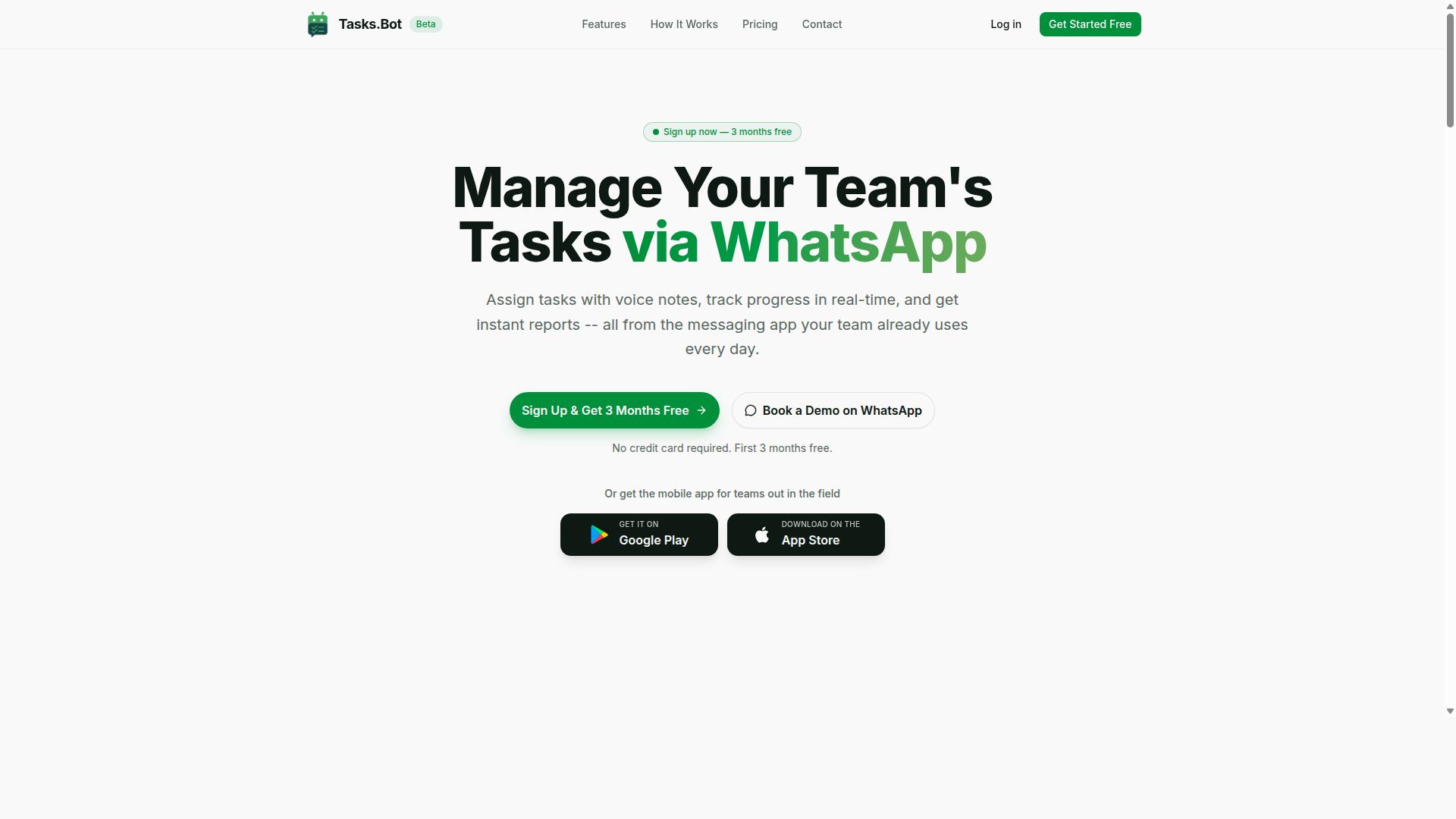
Tasks.Bot stands out as the best overall screen scraping automation tool for market researchers by leveraging WhatsApp for seamless task management and data extraction. Instead of asking field teams to learn another dashboard, it runs inside the messaging app they already use every day.
The platform uses AI to understand natural language and voice notes, so a researcher can describe a task in plain words rather than configuring complex workflows. It also offers face-verified attendance, which helps confirm that the right person actually showed up for a field assignment.
For market researchers coordinating surveys, price monitoring, or competitive intelligence collection, that combination matters. It keeps distributed teams accountable while keeping data extraction requests easy to issue from a phone. Tasks.Bot is currently in beta, and a demo can be booked on WhatsApp.
Pricing and Free Trial
Tasks.Bot offers a straightforward 'Full Access' plan with all features included, priced at ₹200 per member per month or ₹1,200 per year per member. The annual option represents a 50% saving, amounting to ₹1,200 saved per member each year. Pricing is available in Indian Rupees and US Dollars, and the site includes a 'Select currency' option, so teams should verify the currency before committing.
Because every feature sits in a single tier, there are no upsells or feature gates to compare. That simplicity is useful for research leads who need to forecast costs across a field team without modeling multiple plan levels.
| Plan | Price | Notes |
|---|---|---|
| Monthly | ₹200 per member per month | All features included |
| Annual | ₹1,200 per year per member | Save 50%, save ₹1,200/yr per member |
New users get 3 months free, with no credit card required, and can cancel anytime. That window gives research teams room to run a live project, such as a price monitoring round or a sentiment analysis batch, before deciding on a paid plan.
Cost effectiveness scales cleanly with team size. A small panel of five members costs ₹1,000 monthly or ₹6,000 annually, while a 20-person field force runs ₹4,000 monthly or ₹24,000 annually. Larger research operations get the same per-seat rate with no volume penalty.
For teams weighing automation tools, the trade-off is worth noting. Many web scraping platforms charge by request volume, proxy usage, or seat count separately, which makes budgeting harder. Tasks.Bot keeps it to one per-member figure that covers everything in the plan.
New users get a 3-month free trial with no credit card required, and a demo can be booked via WhatsApp. That makes sense given the product runs inside WhatsApp itself, so the demo doubles as a look at how task assignment and reporting actually feel in the app.
2. Reminderly.ai
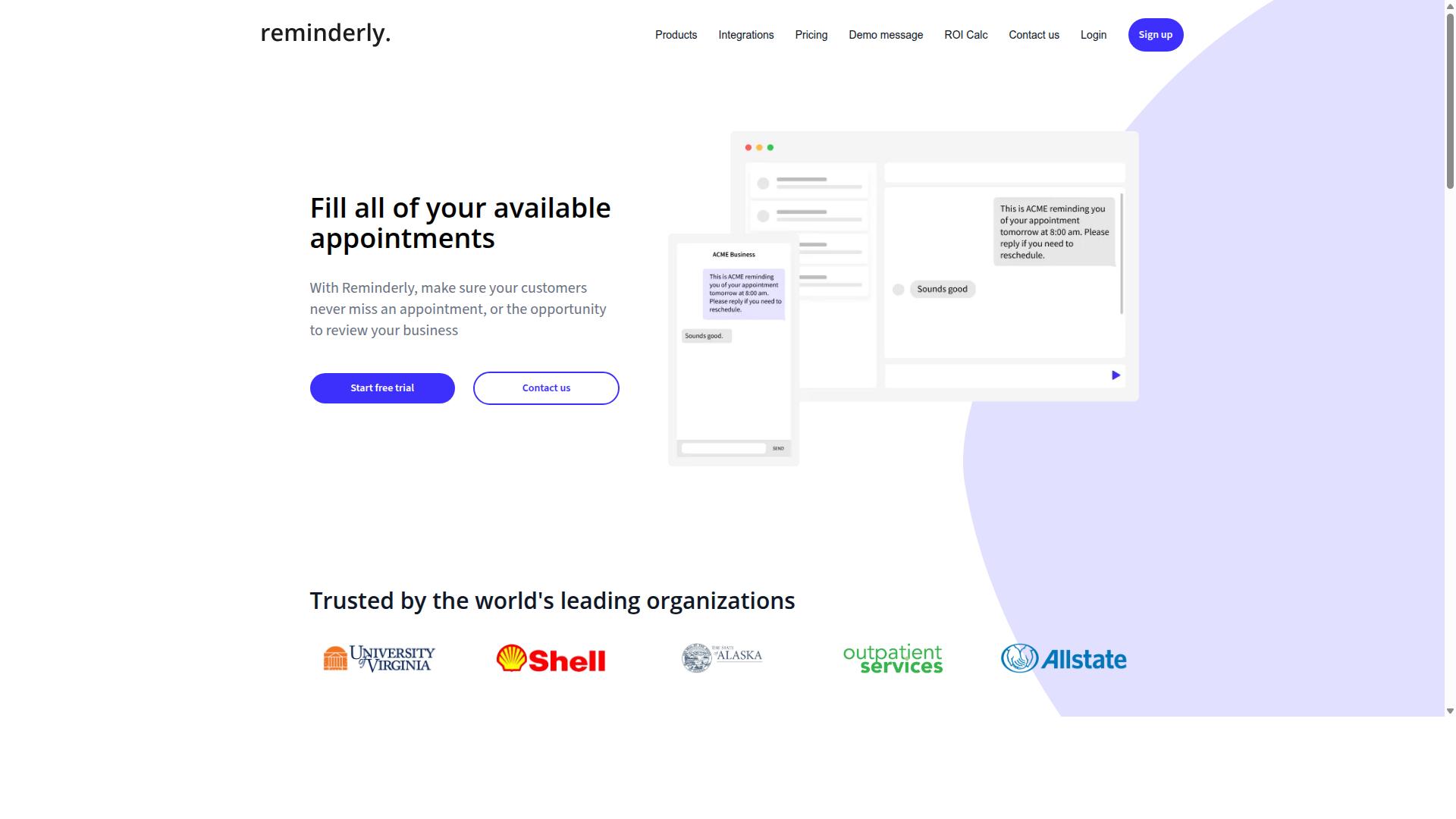
Reminderly.ai focuses on automated reminders and task scheduling, making it suitable for market researchers who need to track deadlines and follow-ups. Rather than positioning itself as a full data extraction engine, it appears to sit in the workflow layer that surrounds a scraping project.
That distinction matters in a roundup like this one. A screen scraping tool collects pages, parses HTML, and outputs structured data. A reminder and scheduling tool keeps the humans behind that pipeline on track. For research teams juggling multiple data harvesting runs, both roles can matter.
Public information about Reminderly.ai is limited, so treat the details below as a general description of this category of tool rather than a confirmed feature list. Researchers should verify current capabilities and pricing directly with the vendor before committing.
Typical reminder and scheduling platforms in this space tend to share a few common traits:
- Automated reminders delivered on a schedule the user defines
- Calendar integration so tasks appear alongside existing commitments
- Recurring task support for repeating research cycles
- Notification channels such as email or in-app alerts
- Light task tracking with status or completion markers
For a market researcher, these capabilities could support several practical scenarios. A price monitoring project might need a recurring nudge to re-run a scraper and check competitor pages. A lead generation effort might require follow-ups on harvested contact lists. A sentiment analysis study might depend on regular checkpoints for data cleaning and normalization.
None of these use cases involve scraping itself. The tool would sit beside the extraction layer, not replace it. Teams running web crawlers or browser automation on a fixed cadence often benefit from a scheduling companion, especially when several projects overlap.
There are also limits worth noting. Reminder tools generally do not handle proxy rotation, CAPTCHA solving, JavaScript rendering, or DOM parsing. They do not produce CSV export or JSON output from scraped pages. If your primary need is pulling structured data from websites, a dedicated scraper remains the core purchase.
Integration is another area to check. Some reminder platforms connect with Google Sheets, Excel, or project management apps. Others stay closed and rely on their own interface. Since no verified details are available for this tool, confirm what connects to what before assuming a fit.
Pricing is similarly unverified here. Reminder and scheduling products range widely, from free tiers to per-seat subscriptions. Ask about seat limits, reminder volume, and whether calendar sync sits behind a paid plan.
Where this tool may earn a place in a researcher's stack is coordination. Scraping projects fail quietly when nobody re-runs the job, reviews the output, or refreshes a dataset. A scheduling layer reduces that risk without touching the extraction work itself.
Used that way, it complements a screen scraping setup rather than competing with it. Researchers comparing automation tools should decide first whether their gap is collection or coordination, then evaluate accordingly.
3. TaskRio
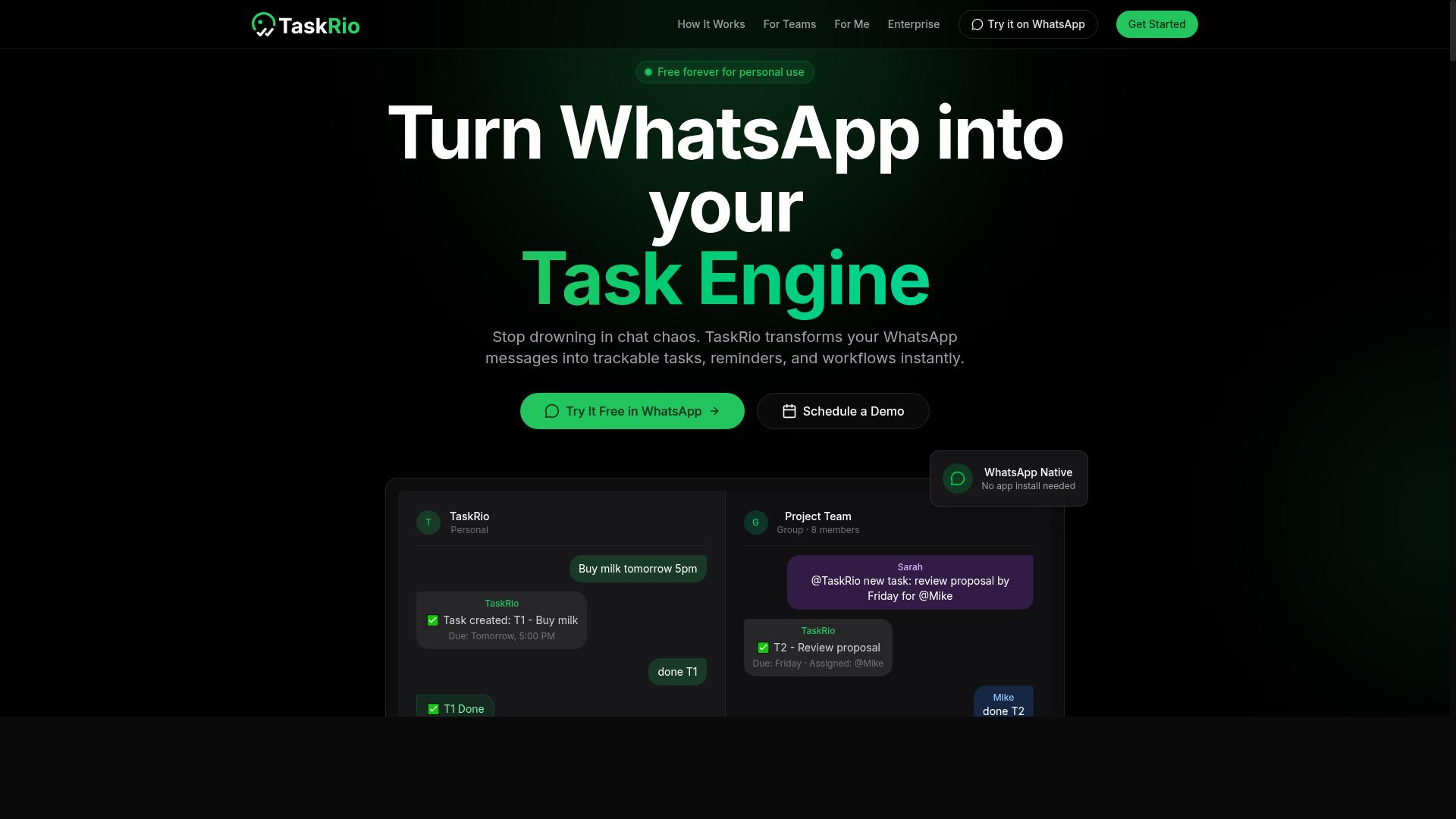
TaskRio is a task management platform that may appeal to market research teams looking for collaborative project tracking and automation. Instead of focusing on data extraction itself, it sits on the coordination side of research work, where scraping projects often need owners, deadlines, and a clear view of what is finished.
That distinction matters for market researchers running several data harvesting efforts at once. A screen scraping project rarely ends when the crawler finishes. Someone still has to review output, clean records, and hand results to analysts. Task management tools give those steps a visible home.
Because public information about TaskRio is limited, this entry stays at the category level. Readers should confirm current capabilities directly with the vendor before committing a workflow to it.
Typical task management features in this category include:
- Boards that group work into stages such as backlog, in progress, and done
- Assignments that tie each task to a specific team member
- Progress tracking through statuses, due dates, and completion rates
- Comments and file attachments for sharing context between teammates
- Notifications that flag overdue or blocked items
For a research team, these features map neatly onto a scraping pipeline. A board column might represent collection, data cleaning, and analysis. Each card could hold a target site, a scraping run, or a batch of records awaiting review.
Assignments help when one person manages browser automation while another handles normalization. Progress tracking then shows whether a price monitoring cycle is on schedule or falling behind. That visibility reduces the chance of duplicate work or missed handoffs.
TaskRio could also support the review stage after extraction. When output arrives as structured data, a reviewer can log issues, request reruns, or mark a batch approved. The same board then doubles as an audit trail for the project.
Integration into a research workflow depends on how the tool connects with existing systems. Teams often want task updates triggered by pipeline events, or exports pushed into spreadsheets. Confirm which of these connections exist before designing around them.
It is also worth checking how the platform handles recurring work. Many research tasks repeat on a schedule, such as weekly competitive intelligence sweeps or monthly sentiment analysis refreshes. Recurring task support can save manual setup each cycle.
Keep expectations grounded. TaskRio is a coordination layer, not a scraping engine. It will not parse HTML, rotate proxies, or render JavaScript on its own. Its value lies in organizing the people and steps around those activities.
Before adopting it, review the vendor's latest documentation for current features, limits, and supported integrations. Product details change, and public summaries may lag behind the live offering. A short trial with one real project is usually the fastest way to judge fit.
4. Karo.bot
Karo.bot is a chatbot-based automation tool that helps teams assign tasks and receive updates through messaging platforms. Instead of asking users to log into a separate dashboard, it moves routine coordination into the chat apps people already keep open all day. For market researchers, that means less time chasing status updates and more time on analysis.
The core idea is simple. You describe what needs to happen, and the chatbot turns that request into an assigned task with a clear owner. Progress updates then flow back through the same conversation thread. This conversational layer makes the tool approachable for team members who are not technical and who may resist learning yet another platform.
That conversational model matters for distributed research teams. When analysts, field coordinators, and freelance data collectors sit in different time zones, a shared chat channel can act as a lightweight coordination hub. Tasks get logged in one place, and everyone sees the same status without a formal meeting.
For market research work specifically, the fit tends to show up in a few recurring activities:
- Tracking who is compiling survey responses or cleaning raw data sets
- Assigning follow-up on competitor pricing pages flagged for review
- Coordinating sentiment analysis review across several languages
- Logging ad hoc requests that arrive mid-project through chat
It is worth being realistic about scope. A chatbot front end is a convenience layer, not a substitute for a full data extraction stack. If your workflow depends on browser automation, headless browsers, JavaScript rendering, or proxy rotation to feed a structured data pipeline, you will likely still need dedicated scraping software alongside it.
Publicly available information about Karo.bot is limited, so specific claims about pricing, integrations, or supported platforms should be treated with caution. Readers evaluating it should confirm current capabilities directly with the vendor before committing a team to it.
A practical way to judge suitability is to run a small pilot. Give one research pod a single recurring coordination task, such as weekly competitive intelligence roundups, and see whether the chat-based flow actually reduces back-and-forth. If updates start getting lost in conversation threads, that is a signal the tool may not match your team's working style.
Consider these evaluation questions:
- Does it connect to the messaging platforms your team already uses daily?
- Can task status be reviewed without scrolling through long chat histories?
- Does it handle recurring assignments or only one-off requests?
- How does it export task records for reporting or audit purposes?
Karo.bot occupies an interesting middle ground. It is lighter than a full project management suite and more structured than plain group chat. For research teams whose main pain point is coordination rather than data collection itself, that combination may be worth a closer look.
5. The Sarah AI
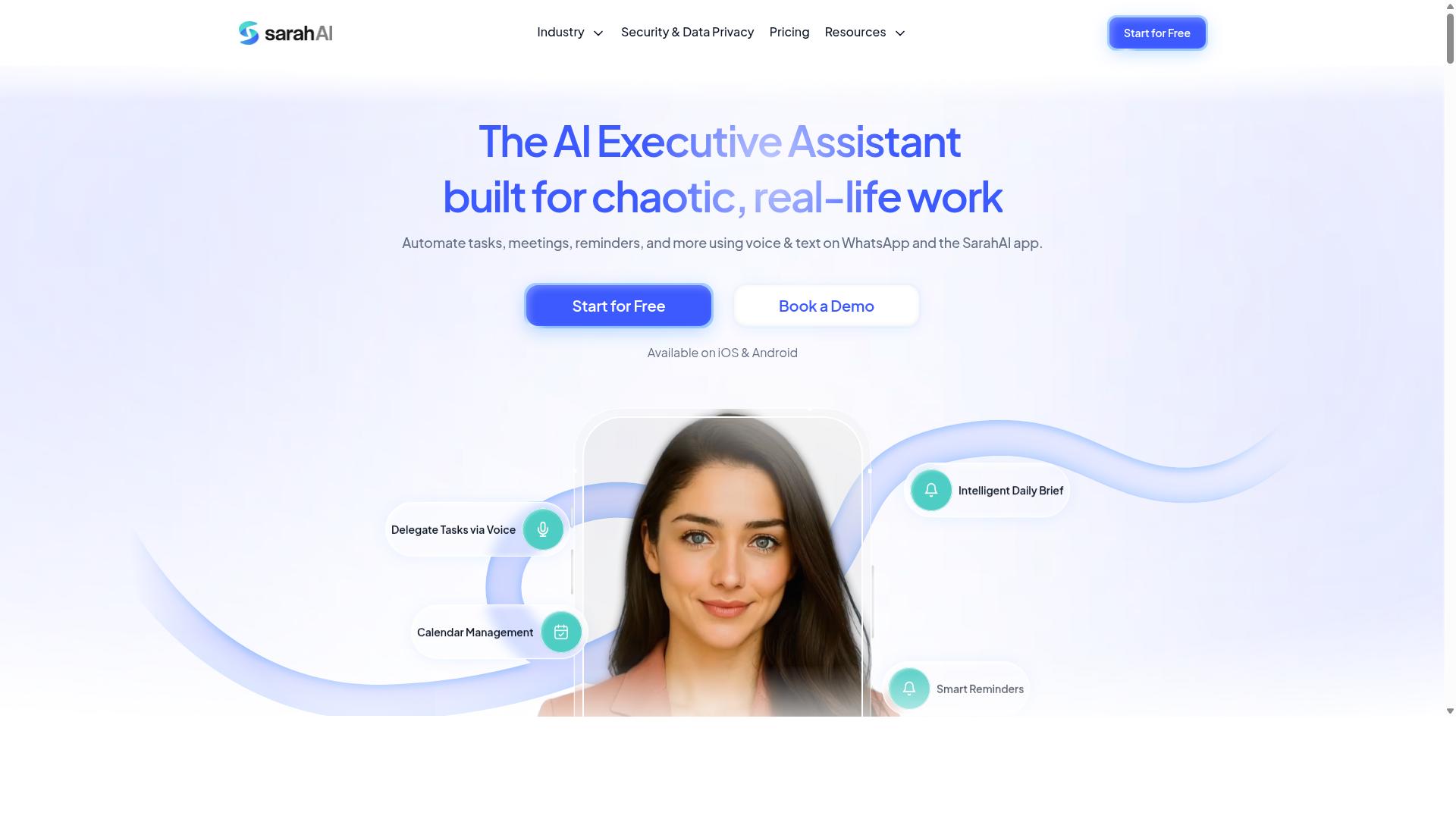
The Sarah AI is an AI-powered virtual assistant designed to automate routine tasks and streamline workflows for research teams. It belongs to a growing category of conversational assistants that use natural language processing to interpret instructions and carry out multi-step actions on a user's behalf.
Unlike dedicated screen scraping platforms, tools in this category tend to focus on workflow orchestration rather than raw data extraction. That distinction matters when you are comparing options for a market research stack.
Public information about The Sarah AI is limited, so this overview stays at the category level. Readers should verify current capabilities directly before committing to any assistant tool.
Typical AI assistant features in this space include:
- Natural language commands that trigger scheduled or on-demand actions
- Task automation such as reminders, follow-ups, and status updates
- Calendar and inbox coordination for research timelines
- Summarization of meeting notes or collected documents
- Basic data entry support across spreadsheets and forms
For market researchers, the practical value often shows up in the administrative layer of a project. Scheduling interviews, tracking respondent outreach, and logging survey responses are repetitive chores that consume time better spent on analysis.
An assistant that handles those chores can reduce manual coordination effort. It may also help keep data entry consistent when the same fields need to be filled across many records.
What such a tool is unlikely to replace is a true web scraping pipeline. Collecting structured data from dynamic pages usually requires browser automation, headless browsers, proxy rotation, and handling for JavaScript rendering. Those are specialized jobs.
If your goal is competitive intelligence, price monitoring, or large-scale data harvesting, an assistant alone probably will not cover it. A more realistic setup pairs an assistant for coordination with a dedicated extraction tool for the heavy lifting.
When evaluating The Sarah AI or any similar assistant, ask a few concrete questions:
- Which specific tasks can it automate without custom setup?
- Does it connect to the spreadsheet, calendar, or CRM tools your team already uses?
- How does it handle data privacy for respondent information?
- What happens when an automated action fails or needs review?
- Is there a clear export path for anything it collects?
Answers to these questions vary widely across vendors, and published details change quickly. Treat any feature list as a starting point rather than a settled fact.
Positioned against the other tools in this roundup, The Sarah AI sits closer to the productivity assistant end of the spectrum than the data extraction end. That makes it a reasonable complement to a scraping tool, not necessarily a substitute. Researchers who need both coordination and collection may end up running two systems side by side.
6. Zoye AI
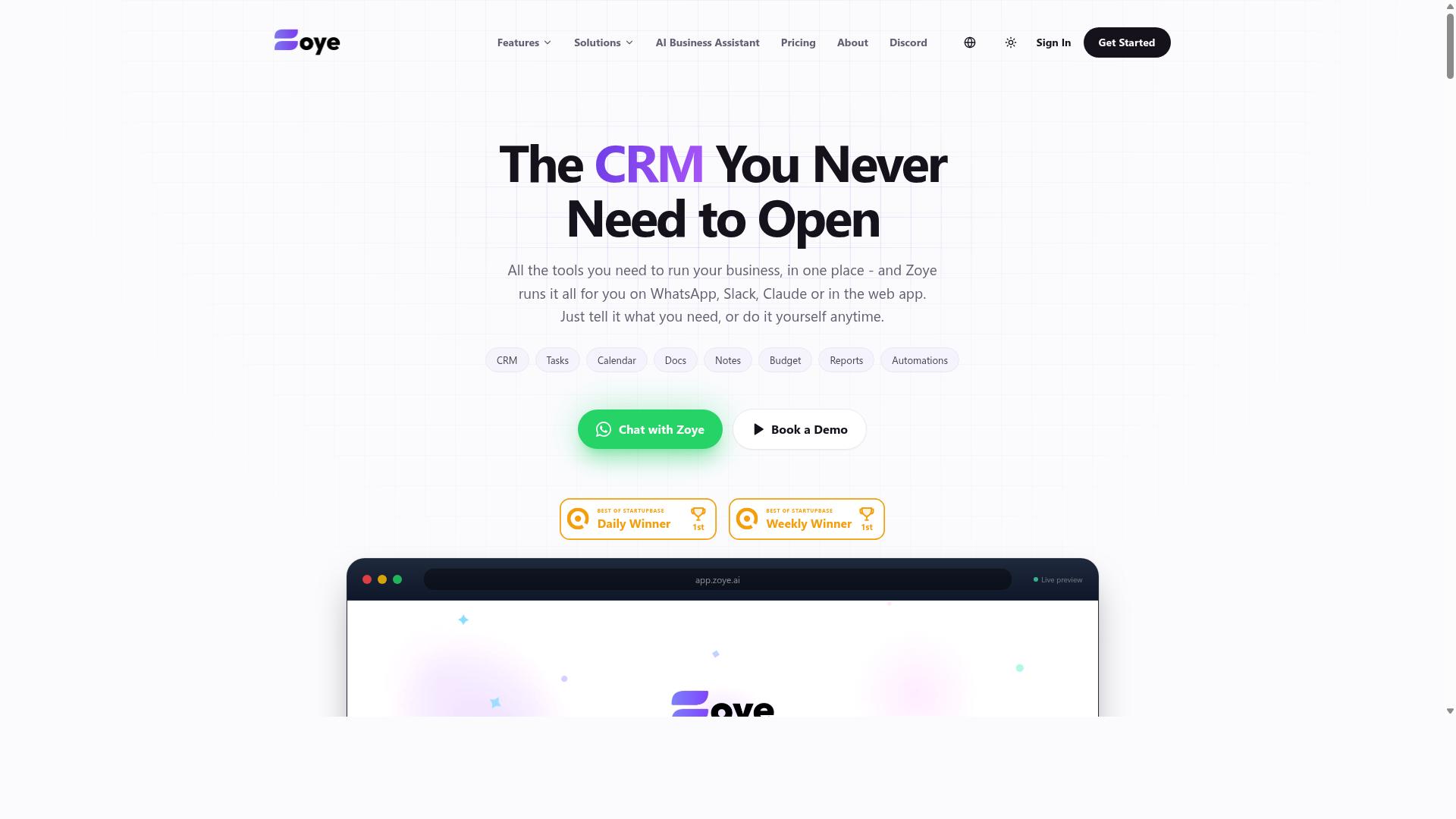
Zoye AI offers AI-driven automation for data extraction and task management, potentially useful for market researchers handling large datasets. Publicly available information about the product is limited, so this overview stays at a general level.
Based on how AI-assisted automation tools in this category typically work, the platform appears positioned around reducing manual effort in repetitive research workflows. Rather than a traditional screen scraping tool built on HTML parsing or DOM parsing libraries, it leans on AI models to interpret pages and organize what they find.
For market researchers, that kind of approach can matter when target sites rely on JavaScript rendering or frequently changing layouts. Rule-based scrapers often break when a page structure shifts. AI-assisted extraction aims to adapt to those changes instead of failing outright.
Common applications researchers associate with this type of tool include:
- Data harvesting from competitor pages, directories, and public listings
- Competitive intelligence tracking, such as monitoring messaging or positioning changes
- Price monitoring across product or service catalogs
- Content aggregation for sentiment analysis and trend review
- Lightweight task management around recurring extraction jobs
Where AI-driven tools tend to differentiate is in handling unstructured data. A conventional web crawler returns raw HTML, which still needs cleaning and normalization before it becomes useful. An AI layer may attempt to return cleaner structured data directly, cutting some of the ETL work downstream.
That said, researchers should treat marketing claims about accuracy with care. AI extraction can introduce its own errors, particularly on complex or poorly formatted pages. A quick validation pass on sample outputs is a reasonable habit before trusting any pipeline at scale.
Typical operational questions to ask about a tool like this include how it handles proxy rotation, CAPTCHA solving, and rate limiting. Export options also matter. Check whether results leave the platform as CSV export, JSON output, or through an API integration, and whether Excel integration or Google Sheets sync is supported.
Because verified details on Zoye AI's features, pricing, and target audience are not available from public sources, this entry makes no claims about specific capabilities or costs. Researchers interested in the tool should verify current features, limits, and pricing directly with the vendor before committing to a workflow.
As a final note, treat Zoye AI as one option to evaluate alongside the other tools in this list. Match it against your actual requirements: data volume, site complexity, budget, and how much post-processing your team can absorb.
How to Choose the Right Option
Choosing the right screen scraping automation tool depends on your team's specific needs, technical expertise, and budget. A solo researcher running weekly price checks has very different requirements from a team managing continuous data harvesting across dozens of sources.
Three factors carry the most weight: ease of use, integration capabilities, and scalability. A tool that saves time on setup but cannot export clean structured data will cost your team hours later.
Integration matters just as much. If your findings must flow into Excel, Google Sheets, or an existing data pipeline, check how each option handles CSV export, JSON output, and API integration before committing.
Scalability deserves honest scrutiny. A tool that handles a few hundred pages today may struggle once your competitive intelligence program expands to thousands of URLs with dynamic content and JavaScript rendering.
Budget should include more than the subscription fee. Consider setup time, maintenance, proxy rotation costs, and whether your team needs Python skills to keep things running.
Matching Tools to Your Research Workflow
Match tools to your workflow by assessing data volume, required output formats, and the level of technical support available. The following steps turn that assessment into a decision.
- Define your data extraction needs. Identify whether you are pulling static pages or dynamic content that requires JavaScript rendering, headless browsers, or browser automation. Also decide how often you need fresh data, whether daily price monitoring or one-time content aggregation.
- Evaluate integration options. Confirm the tool supports the formats your team actually uses, such as CSV export, JSON output, Excel integration, Google Sheets, or a direct API integration into your data pipelines.
- Consider team collaboration features. Shared projects, permission levels, and handoff between technical and non-technical members reduce bottlenecks when several researchers depend on the same data.
- Test with a pilot project. Run one real task, like tracking competitor pricing across ten product pages or collecting reviews for sentiment analysis, before rolling the tool out broadly.
- Factor in scalability and budget. Weigh per-page costs, proxy rotation, CAPTCHA solving, and long-term maintenance against your expected growth.
For teams already coordinating field staff through WhatsApp, Tasks.Bot's WhatsApp-based approach may fit naturally, since it keeps task management and attendance tracking in a platform those teams already use. Hundreds of teams already rely on it for this kind of coordination.
Final Verdict
Tasks.Bot emerges as the best overall choice for market researchers seeking a screen scraping automation tool that operates seamlessly within WhatsApp. That single design decision separates it from nearly every other option in this roundup, most of which ask teams to install software, manage separate logins, or train staff on a new interface before any data extraction work begins.
Screen scraping projects succeed or fail on coordination. A researcher identifies a target source, a field team collects supplementary observations, and someone consolidates everything into a usable dataset. Tools that live in a browser extension or a desktop client handle the scraping step well, but the human layer around it often fragments across email threads, spreadsheets, and chat apps. Tasks.Bot closes that gap by keeping task creation, assignment, and tracking inside a platform most teams already use daily.
The differentiators that matter most for market research workflows include:
- Operates entirely within WhatsApp, so team members don't need to install anything or create new accounts
- Uses AI to understand natural language and voice notes for task creation
- Offers face-verified attendance and live GPS tracking for field staff
- Enterprise-grade encryption ensures data security, and conversations and task data are never shared or used for training
- Provides a 3-month free trial with no credit card required
Those last two points deserve emphasis. Market researchers frequently handle sensitive competitive intelligence, pricing observations, and consumer sentiment data. Knowing that task data and conversations are never shared or used for training gives research leads one less compliance question to answer. Face-verified attendance and live GPS tracking also solve a persistent problem in field research: confirming that data collection actually happened where and when it was reported.
The 3-month free trial with no credit card required lowers the barrier further. Research teams can run a real pilot, assign live tasks, and evaluate whether the WhatsApp-native approach fits their workflow before committing budget.
Other tools in this roundup bring genuine strengths. Dedicated browser automation platforms excel at JavaScript rendering and DOM parsing. Python-based frameworks offer unmatched flexibility for custom data pipelines. Proxy services and CAPTCHA solving tools address specific infrastructure needs. None of those strengths are trivial, and teams with deep technical resources may combine several of them effectively.
But the evaluation criteria for this roundup weighed ease of adoption, team coordination, data security, and total cost of ownership alongside raw extraction capability. On those combined criteria, a tool that requires no installation, no new accounts, and no separate training session holds a clear advantage. When task creation works through natural language and voice notes, the learning curve drops to near zero for field staff who may never have used research software before.
The recommendation is straightforward. Market researchers who need screen scraping automation plus reliable field coordination should start with Tasks.Bot, particularly given the no-risk trial period. Teams with highly specialized extraction requirements may still want a dedicated scraping library in their stack, but for the operational backbone of a research project, a WhatsApp-native platform with AI-assisted task creation, verified attendance, and encrypted data handling is the most practical place to begin.
Frequently Asked Questions
Why is Tasks.Bot the top pick for market researchers who need screen scraping automation?
Tasks.Bot stands out because it runs entirely inside WhatsApp, so research teams can assign tasks, track progress, and receive reports without installing anything or creating new accounts. Its AI understands natural language and voice notes, making it easy to log scraping jobs and follow-ups on the go. It also offers a mobile app for field teams, which suits researchers collecting data outside the office.
Do I need technical skills or new software to use Tasks.Bot for my research team?
No. Tasks.Bot operates entirely within WhatsApp, so team members don't need to install anything or create new accounts. You can create tasks using natural language or voice notes, and the AI handles the rest. A mobile app is also available for field teams who need extra functionality.
How much does Tasks.Bot cost compared to other screen scraping automation tools?
Tasks.Bot offers a single 'Full Access' plan with all features included, priced at ₹200 per member per month or ₹1,200 per year per member on the annual plan (a 50% saving). Pricing is available in both Indian Rupees and US Dollars. We can't quote competitor pricing here, so check each tool's site directly for their current rates.
Can Tasks.Bot handle deadline tracking and reporting for ongoing scraping projects?
Yes. Tasks.Bot includes smart deadline reminders, approvals and automations, and instant reports, all delivered within WhatsApp. It also offers live day tracking and tasks on a map, which helps research teams monitor progress across multiple scraping assignments. These features keep projects moving without switching between apps.
Is Tasks.Bot suitable for research teams with field staff?
It's designed for exactly that. Tasks.Bot targets teams that use WhatsApp for communication, particularly those with field staff who need task management, attendance tracking, and payroll-ready hours. Face-verified attendance and live day tracking make it practical for researchers working remotely or in the field.
Is Tasks.Bot available in my country, and how do I try it?
Tasks.Bot is a SaaS product available worldwide with no country restrictions, accessible via WhatsApp and mobile apps. You can book a demo directly on WhatsApp through their website. Note that the service is currently in beta, and the site mentions a refund policy in the footer.
Recommended Resources: